
At Rentvine, we know how important it is for property managers and teams to stay informed—without being overwhelmed.
In this week’s Rentvine Academy video, Sales Engineer Alex Cordova walks through the notification settings in Rentvine, showing you how to tailor personal and account notifications to fit your needs.
What’s new in notification management
1. Personal notifications
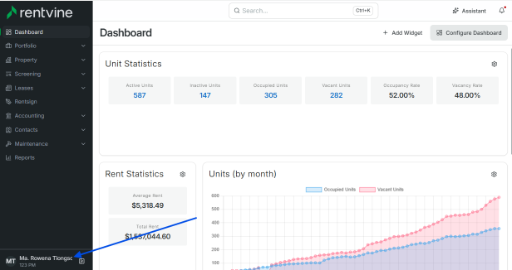
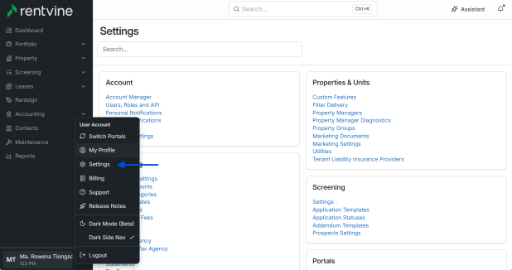
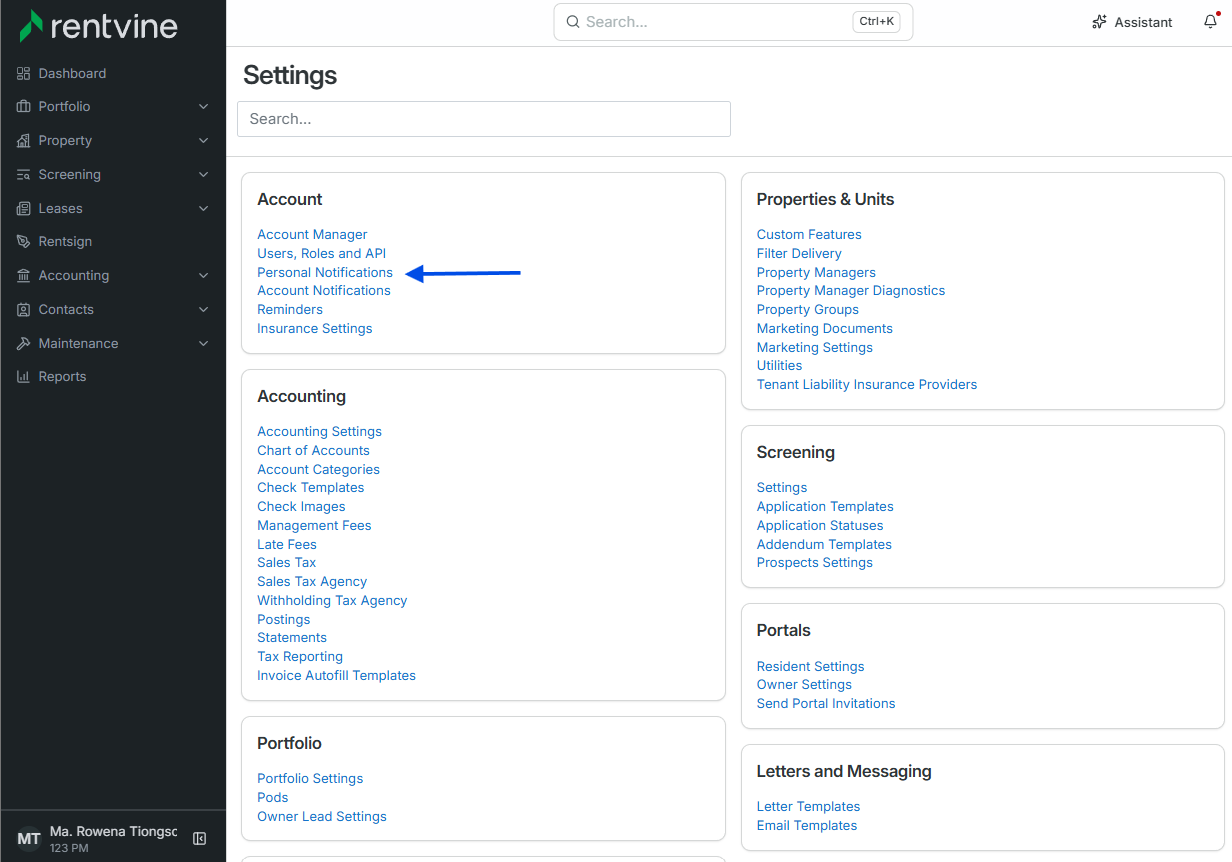
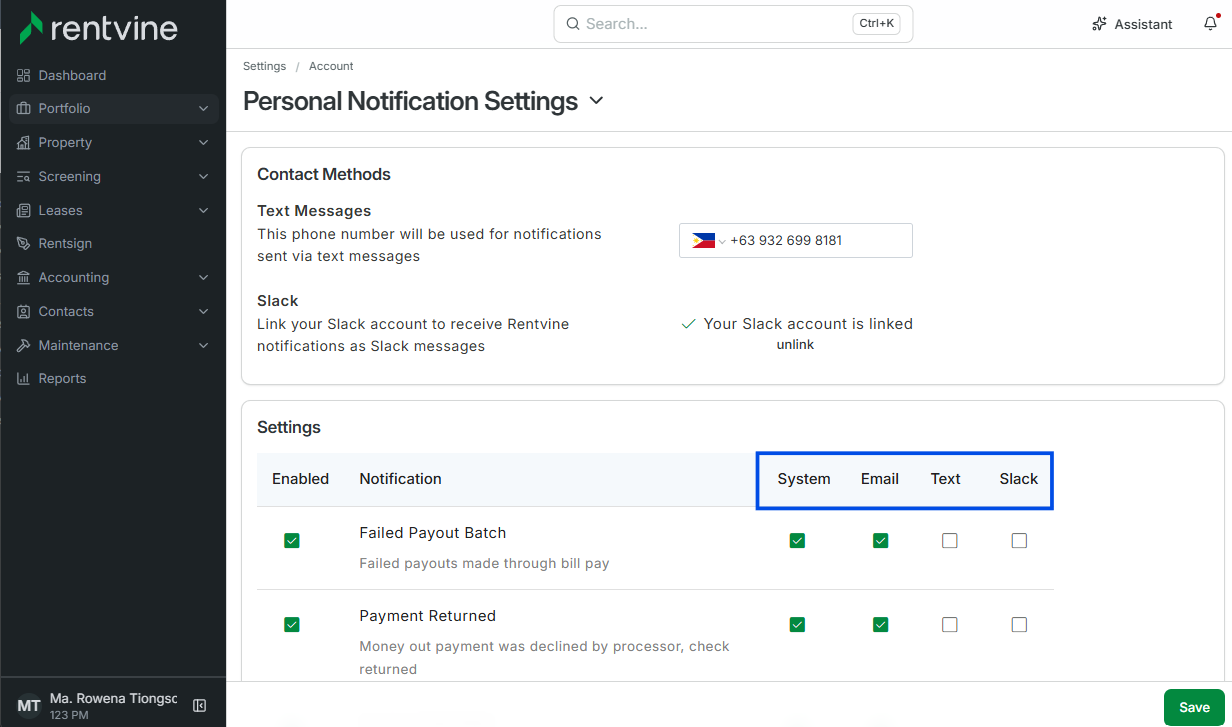
Personal notifications are geared to individual users. Each team member can set their own preferences for how they want to be notified, choosing from:
-
System notifications
-
Email
-
Text
-
Slack (with profile integration)
These can be customized based on specific scenarios. For example, you can choose to be notified when a tenant makes a payment through the resident portal, whether or not you are assigned to the lease.
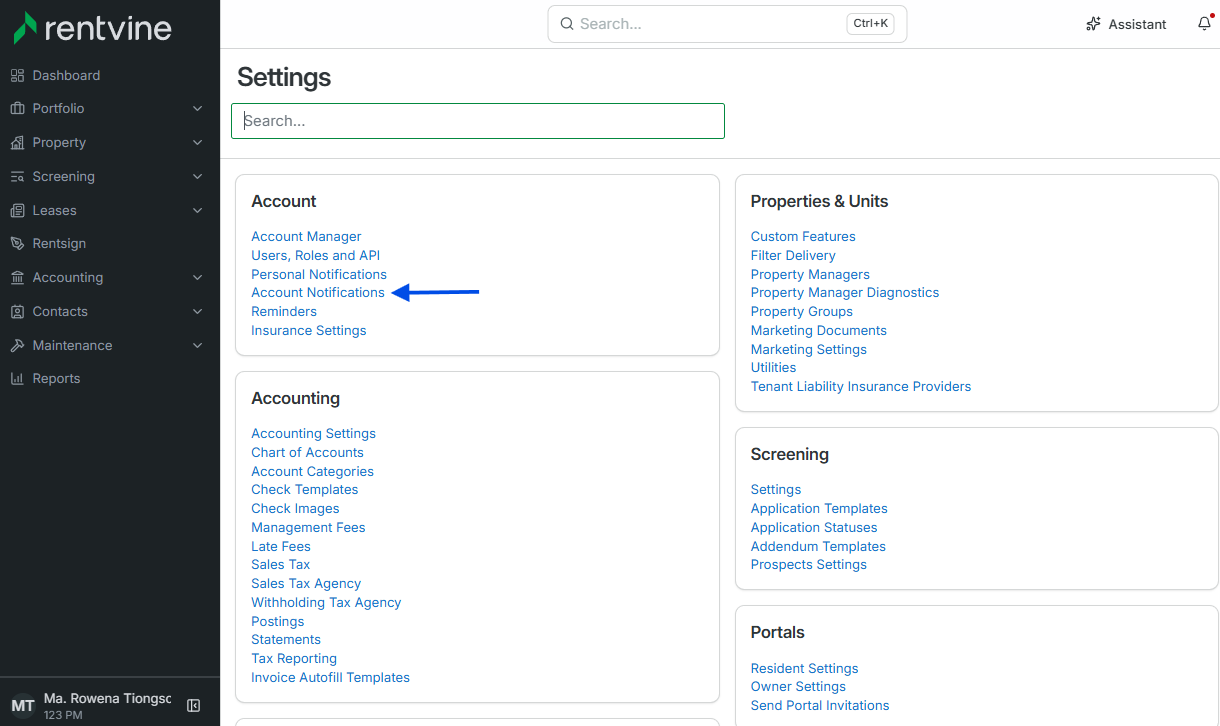
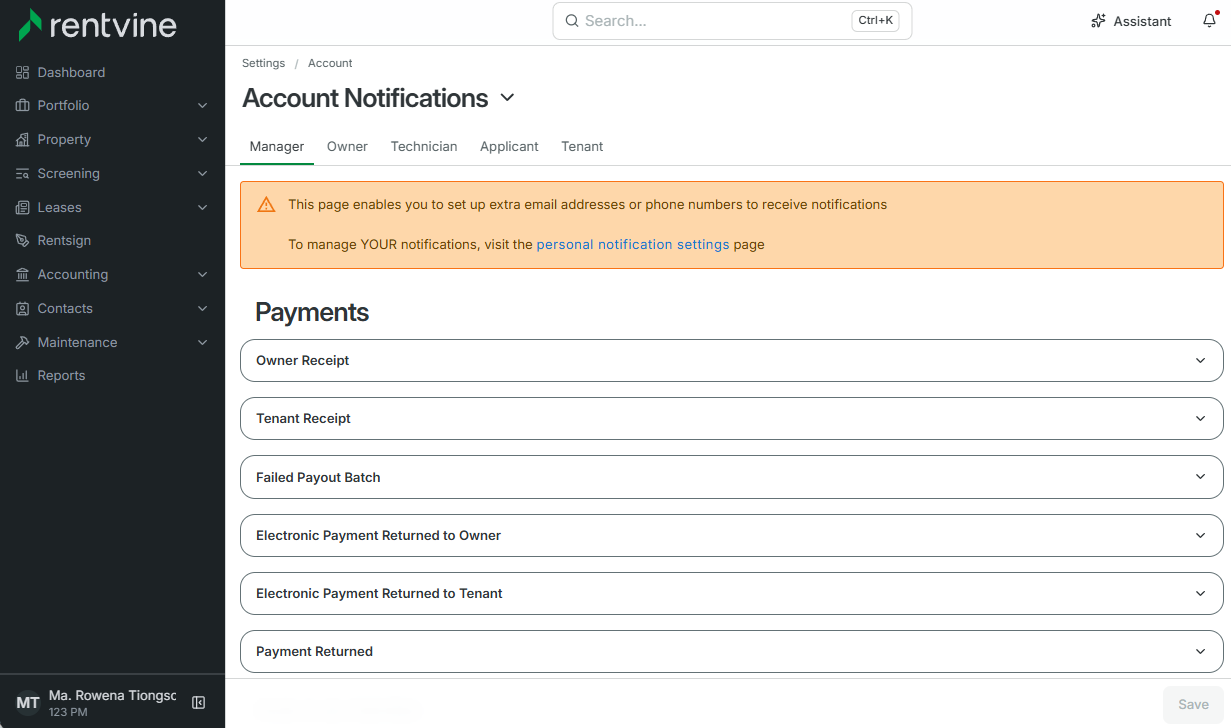
2. Account notifications
Account notifications provide a company-wide layer of customization. Admins can configure how owners, vendors, applicants, and tenants receive updates from the system. These notifications can be toggled on or off, depending on business needs.
This flexibility allows property management companies to create a consistent communication standard for external stakeholders while still giving employees freedom to manage their personal preferences.
Why it matters
Staying updated is critical in property management—but every user has different needs. Rentvine’s notification system ensures both individual users and company accounts receive the right information, in the right way, at the right time.
By putting notifications in your control, Rentvine reduces confusion, ensures accountability, and keeps everyone aligned.