
- This article goes over how you can sign into your existing Rentvine account. It will also go over how you can reset your password if needed directly through the login screen.
Logging into Rentvine
-
If you know your password and email associated with Rentvine, go to your Rentvine account website (for example, abc123.rentvine.com)
Here, you will enter your email and password associated with your Rentvine account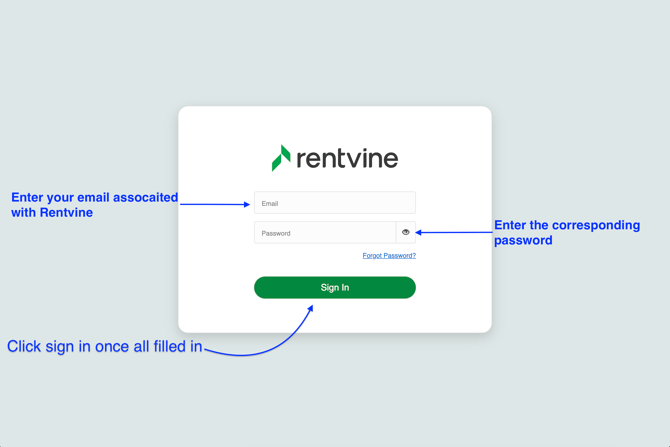
If you may have forgotten your password, you can select the Forgot Password? hyperlink at the bottom right.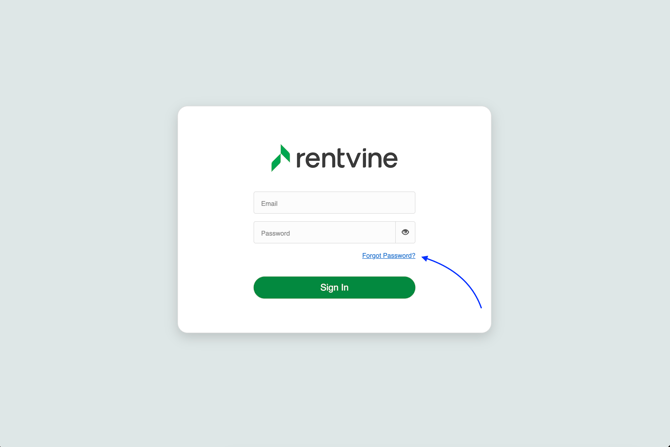
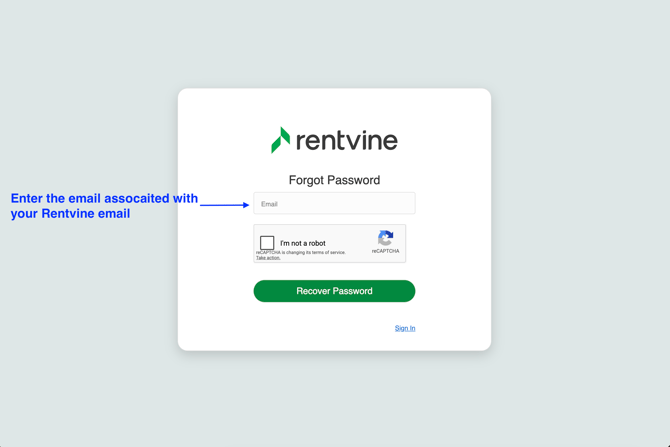
- Once the correct details have been entered, you will be presented with the MFA code screen. Depending on your user settings, you can receive this MFA code via Email, Phone Number, or Authenticator App
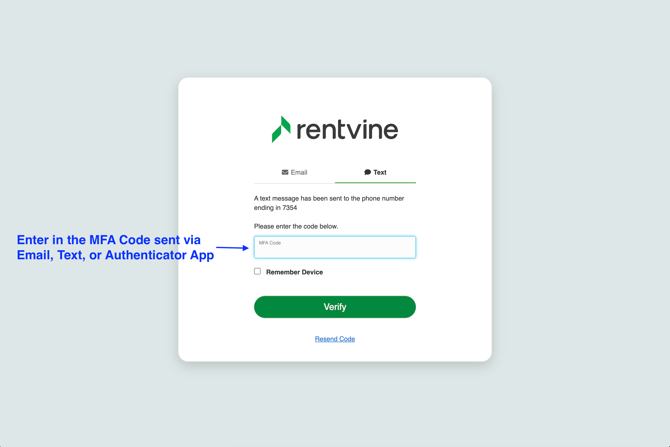
- Once the MFA code has been entered in a timely manner, you will be redirected automatically to your Rentvine account