![rentvine-logo-white-rgb-1600px.png]](https://help.rentvine.com/hs-fs/hubfs/rentvine-logo-white-rgb-1600px.png?height=40&name=rentvine-logo-white-rgb-1600px.png)
- The Mention feature allows you to type a user's name within a note and notify the user based on their personal notification settings. This can be applied to any note type in the Rentvine Software.
- Once you log into Rentvine, navigate to any note created within your system.
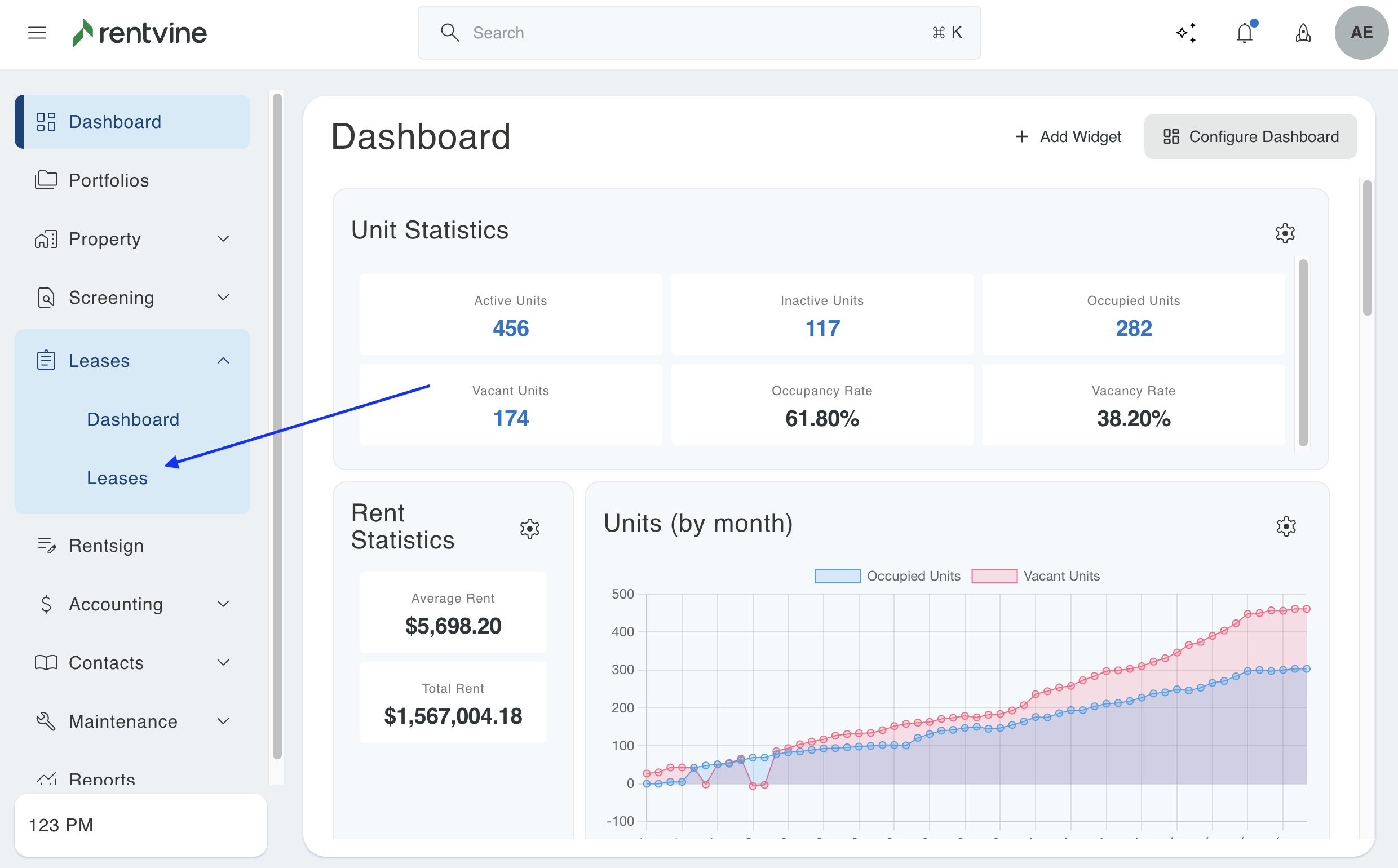
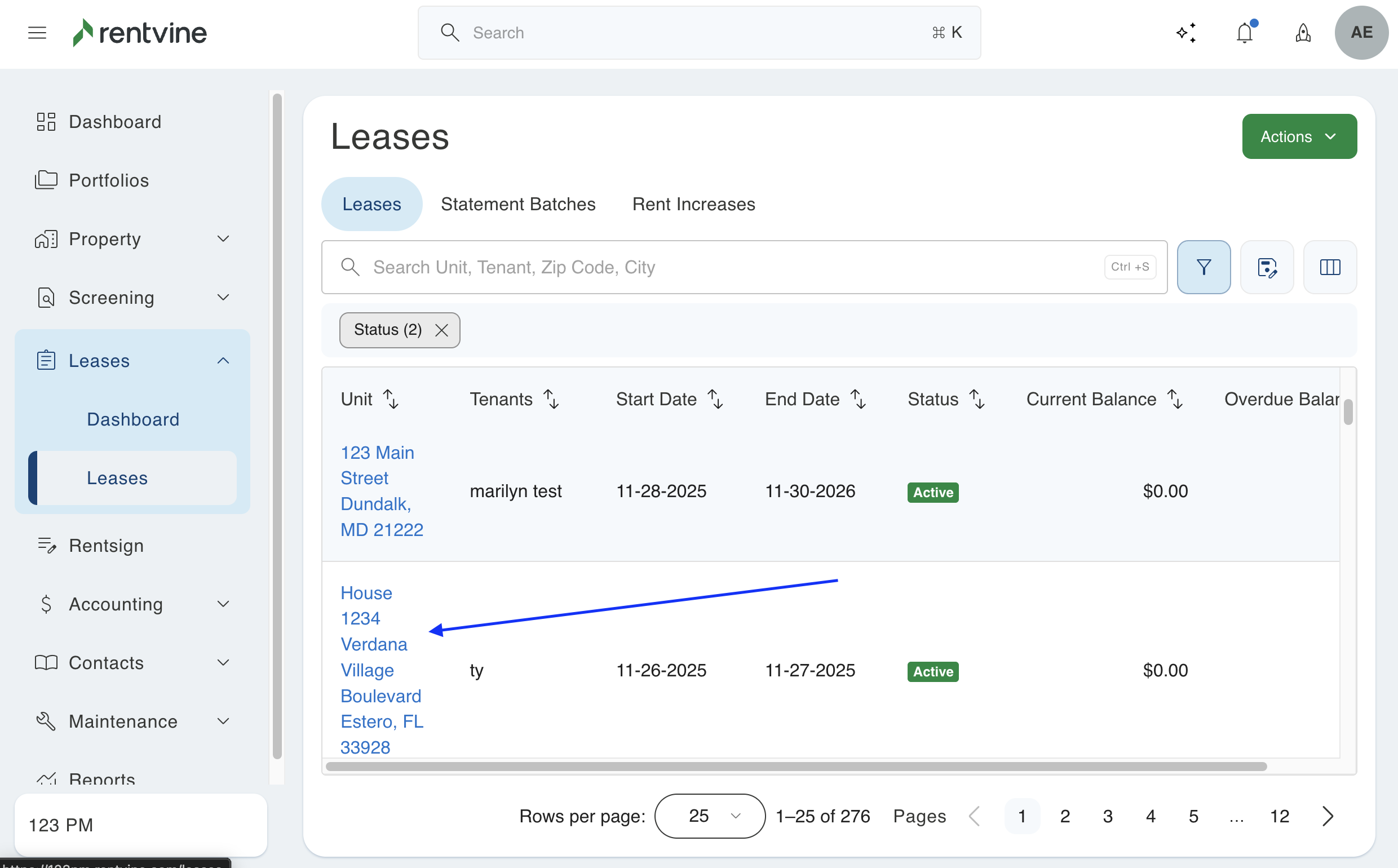
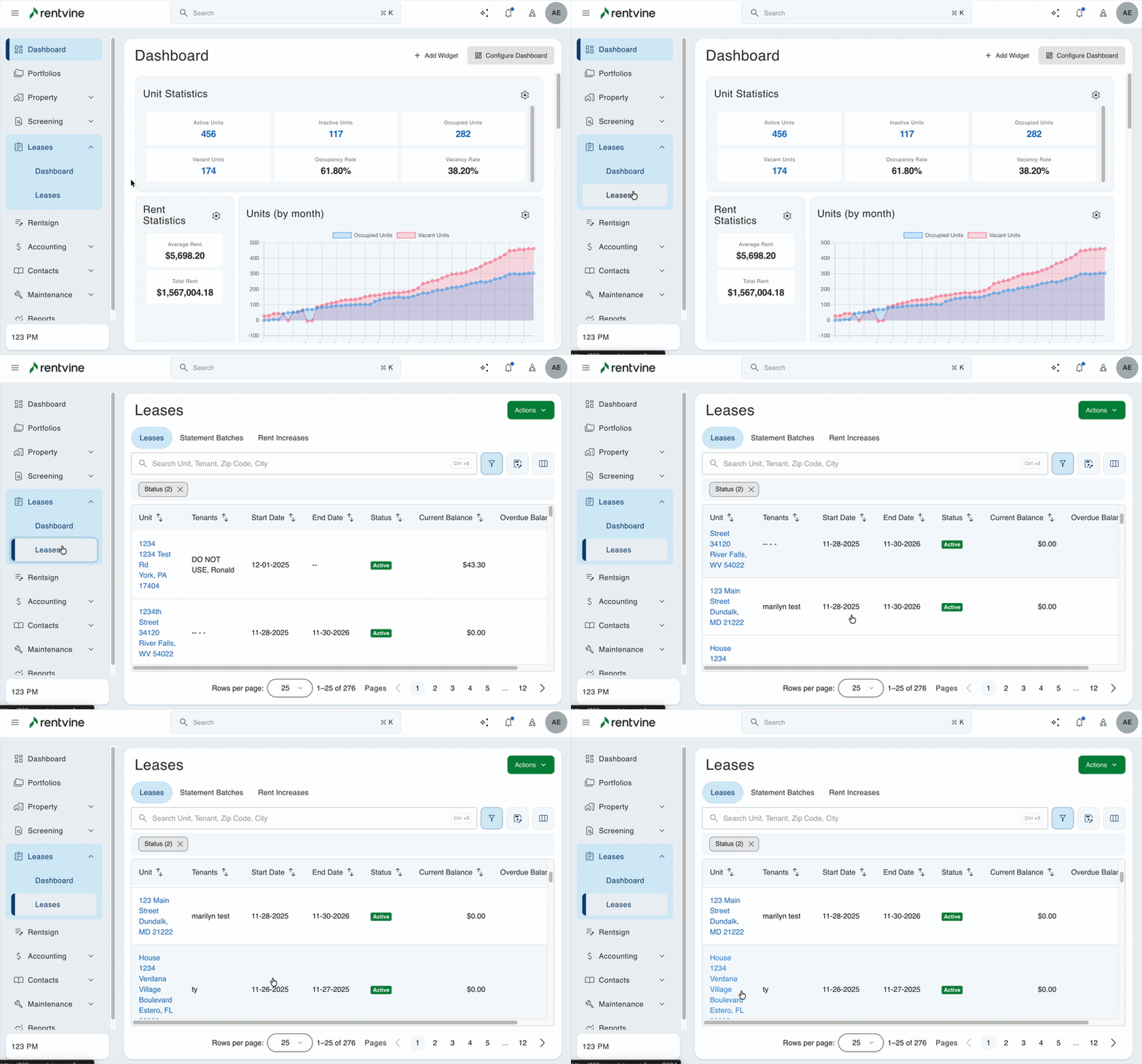
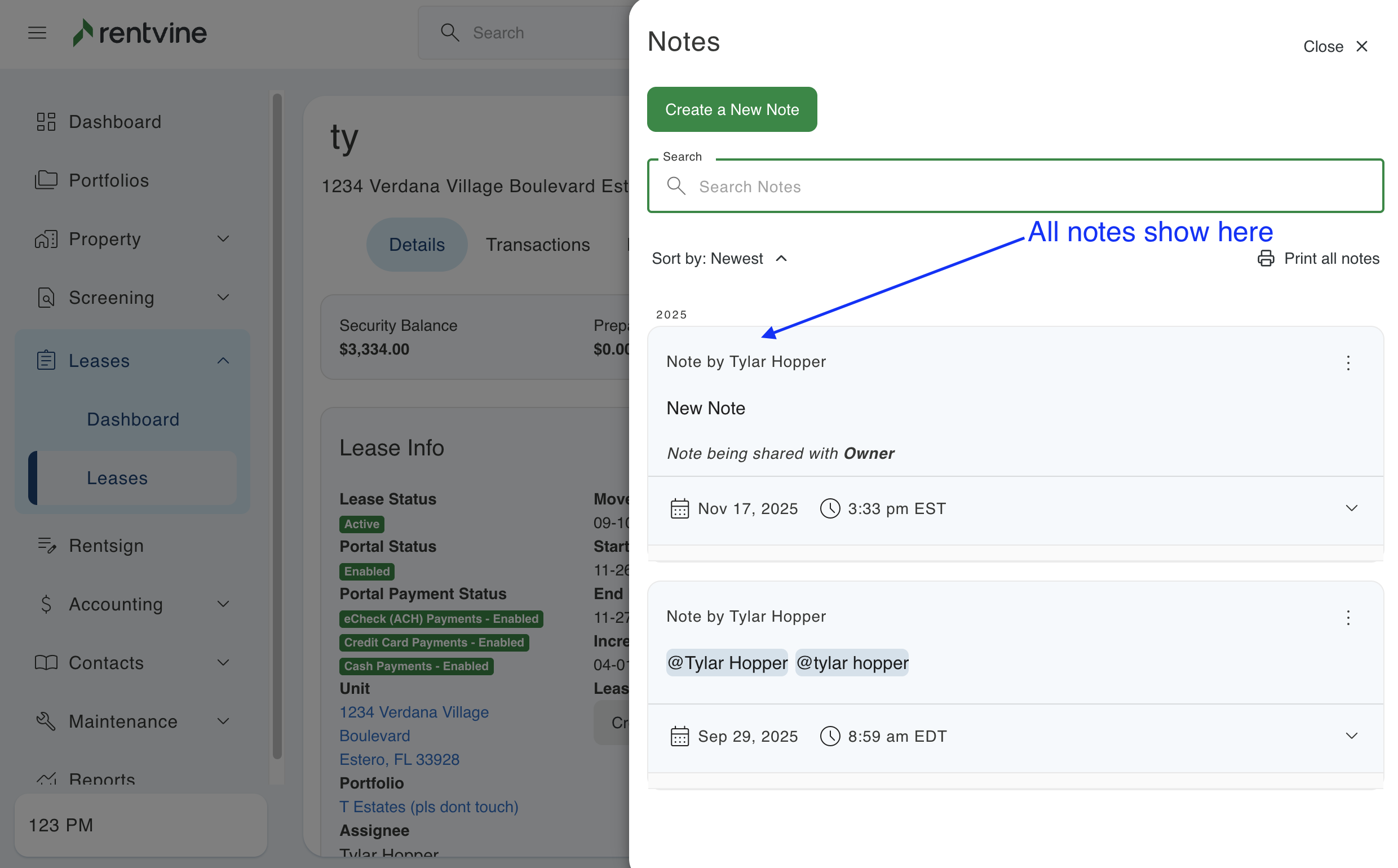
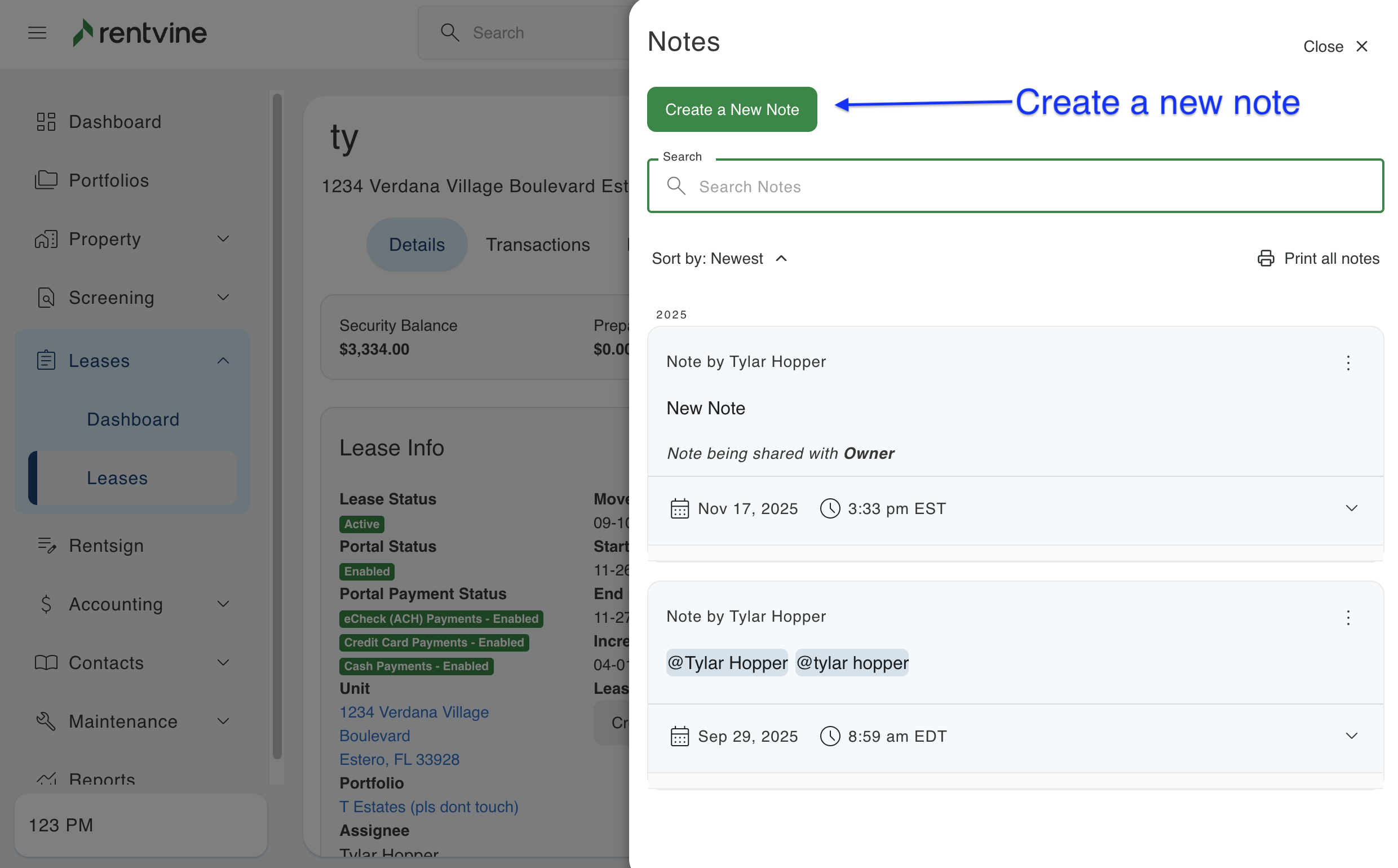
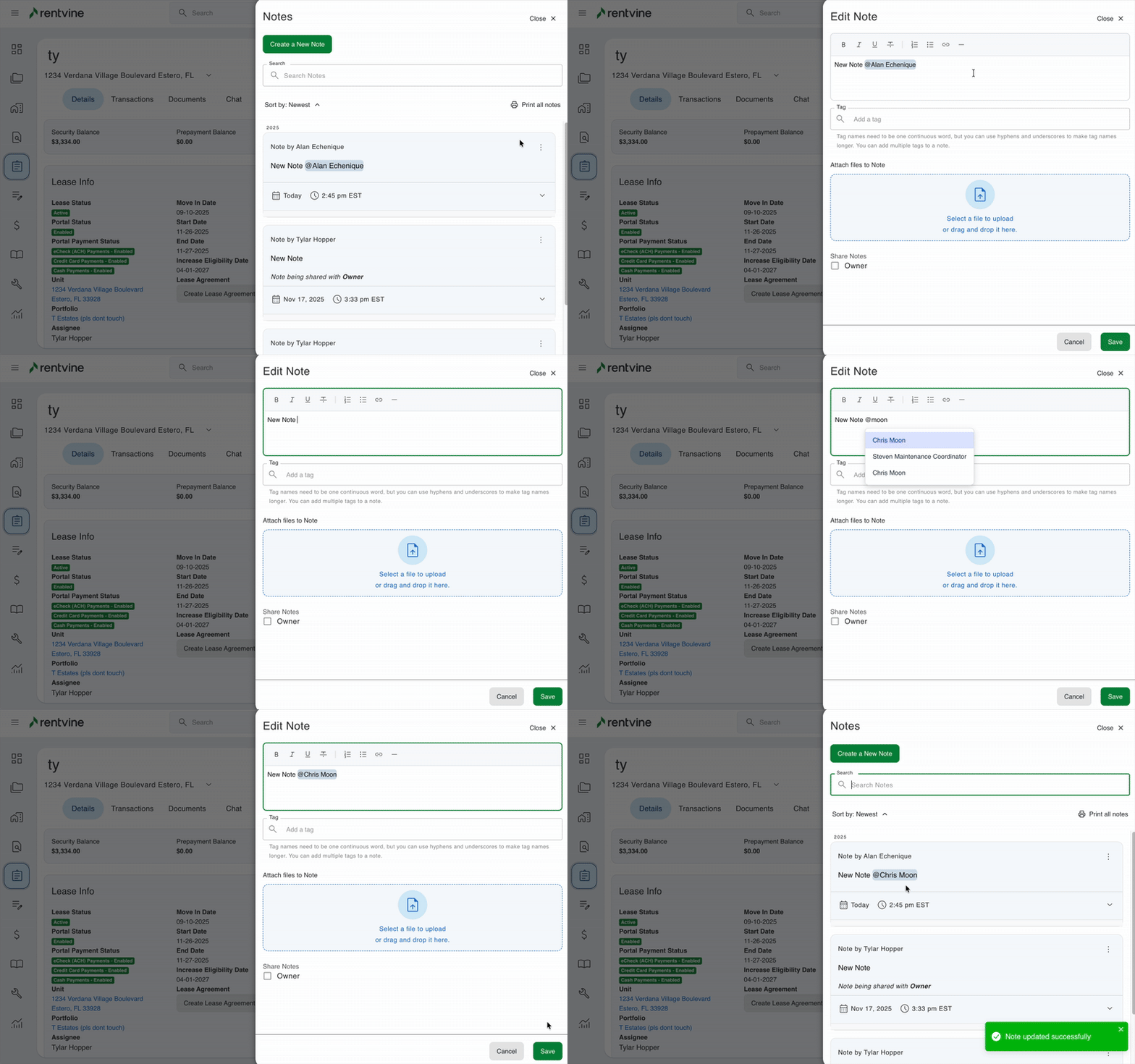
- Click the note icon, and this will display all notes previously created and allow you to create a new note
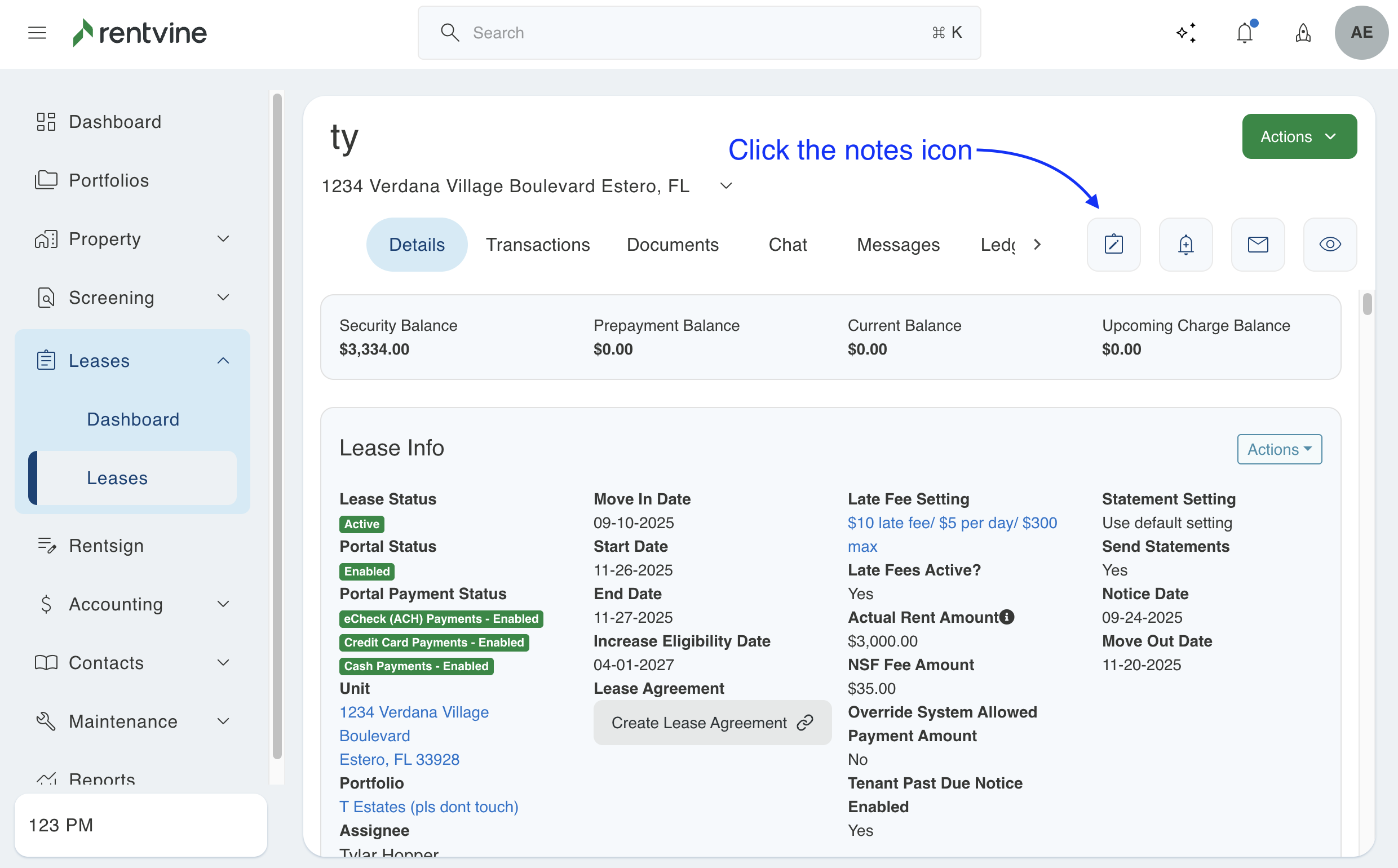
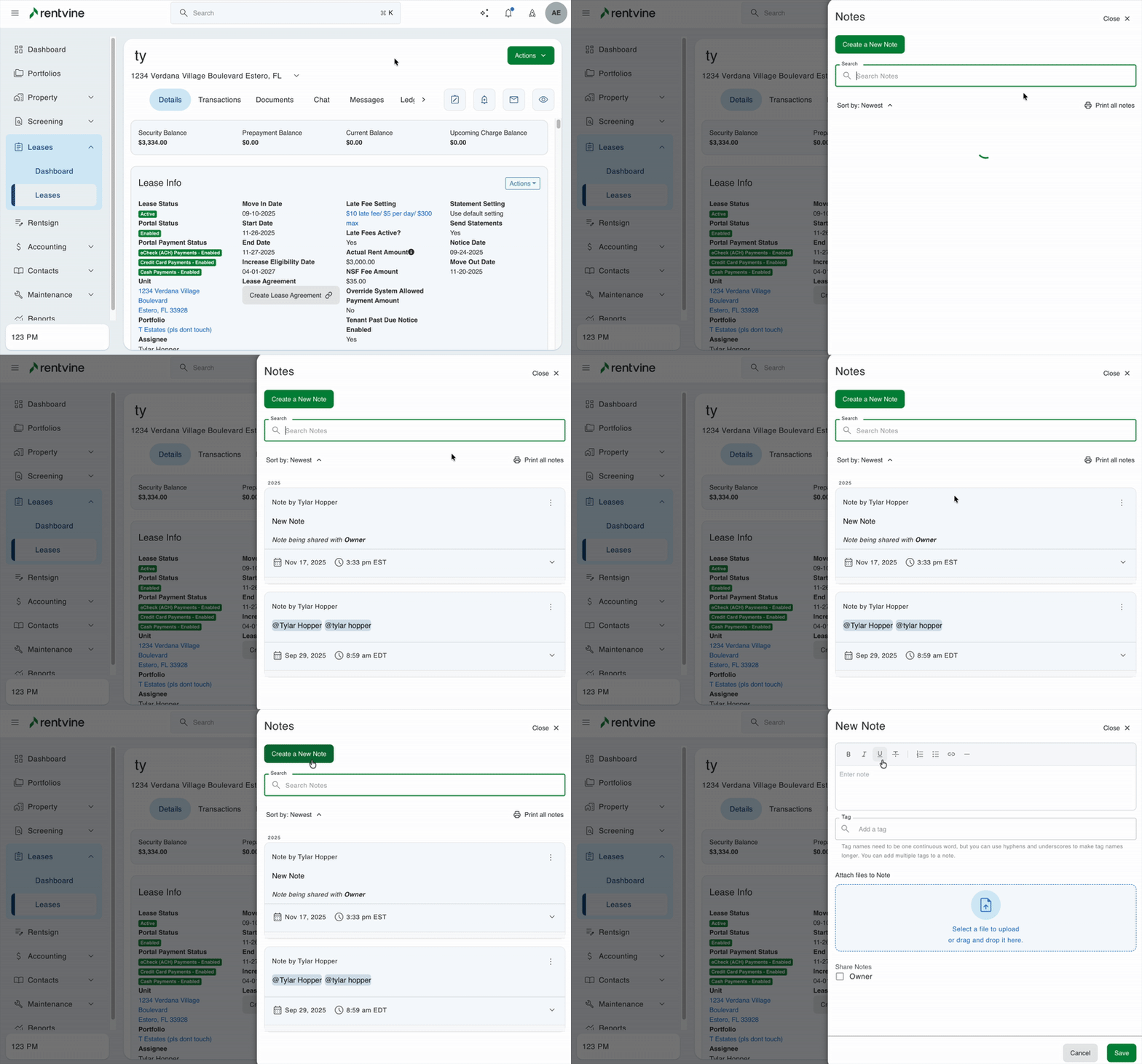
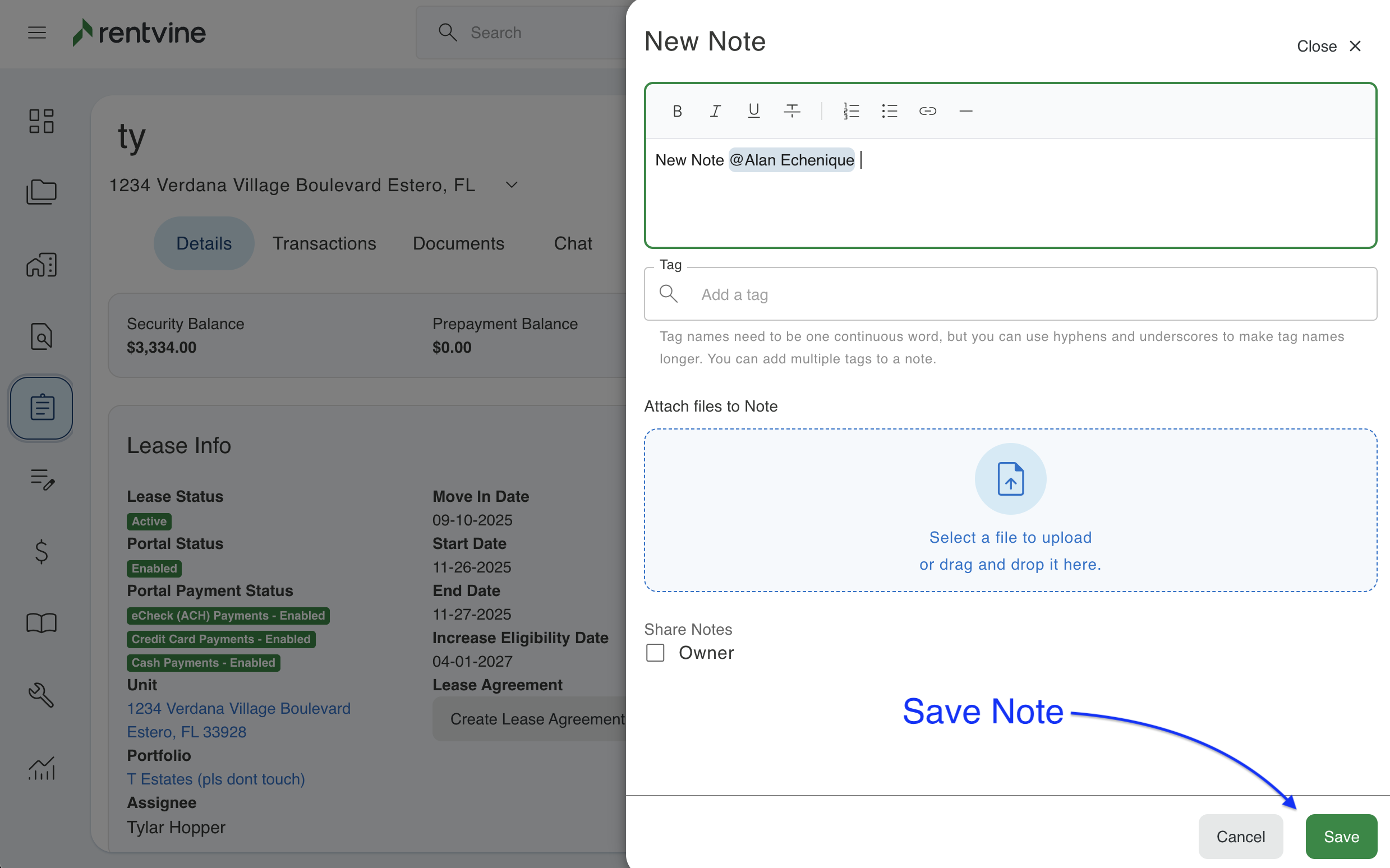
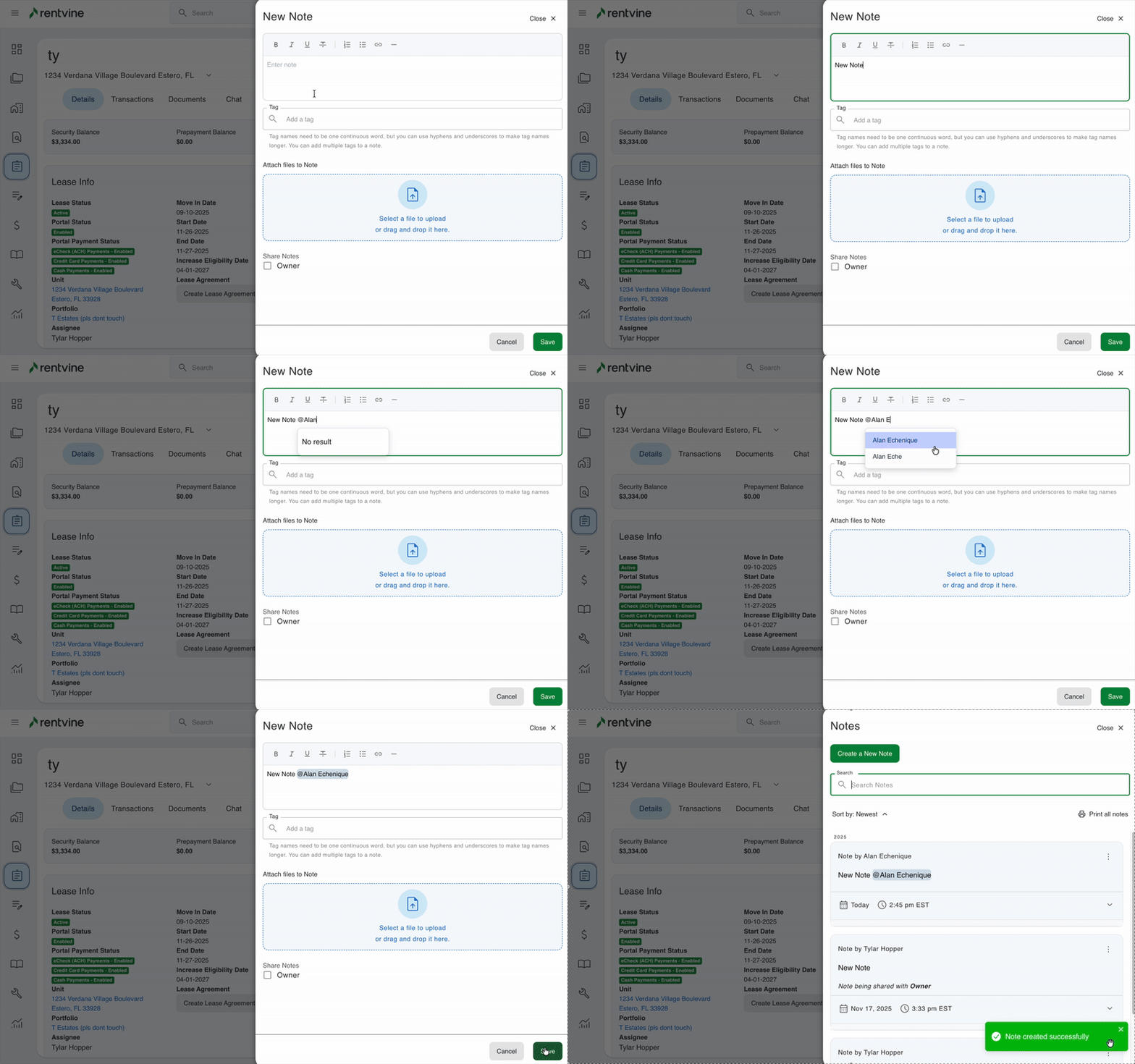
- When creating the note, you can use the @ symbol and type the users name immediately after to notify the user within the note.
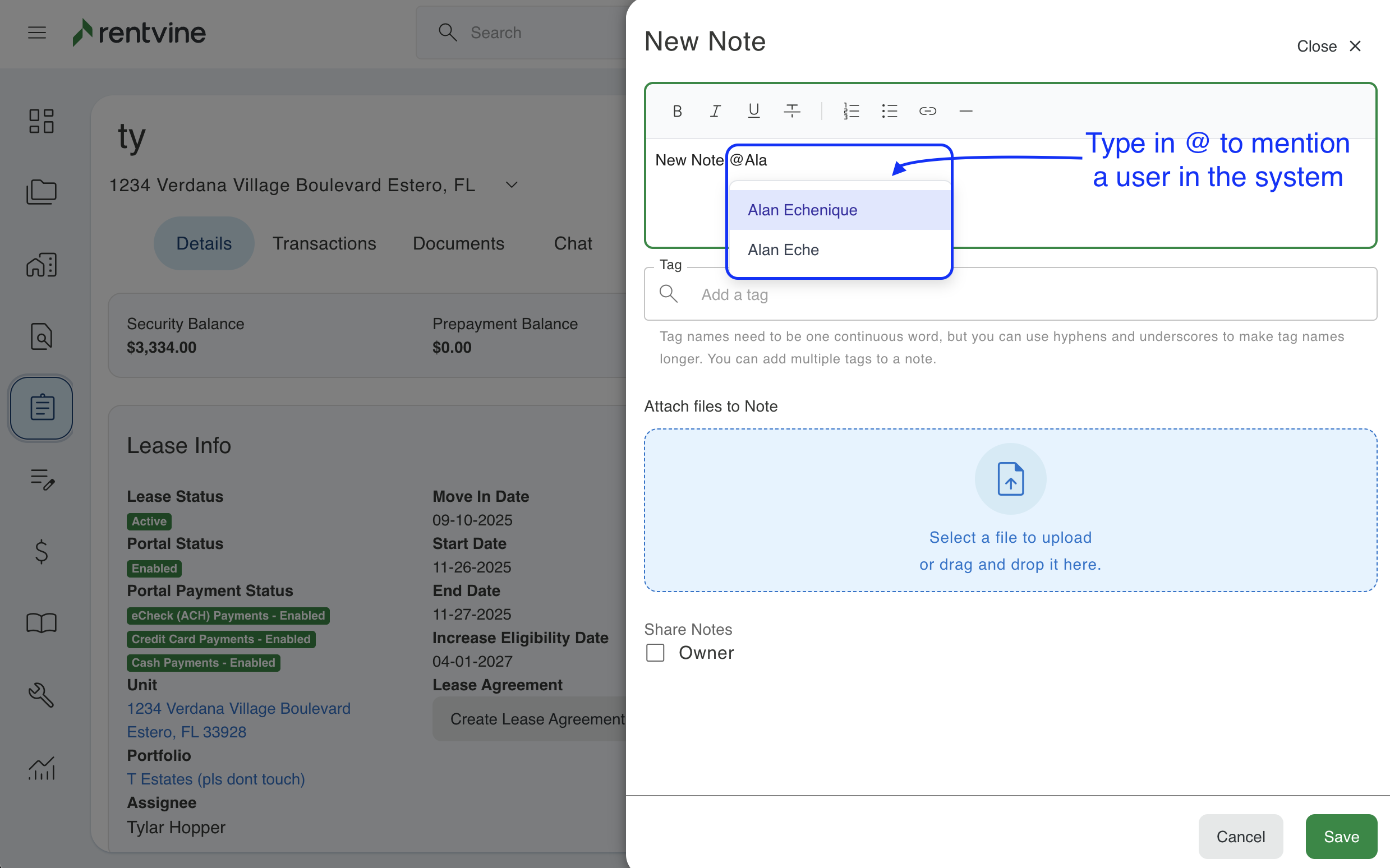
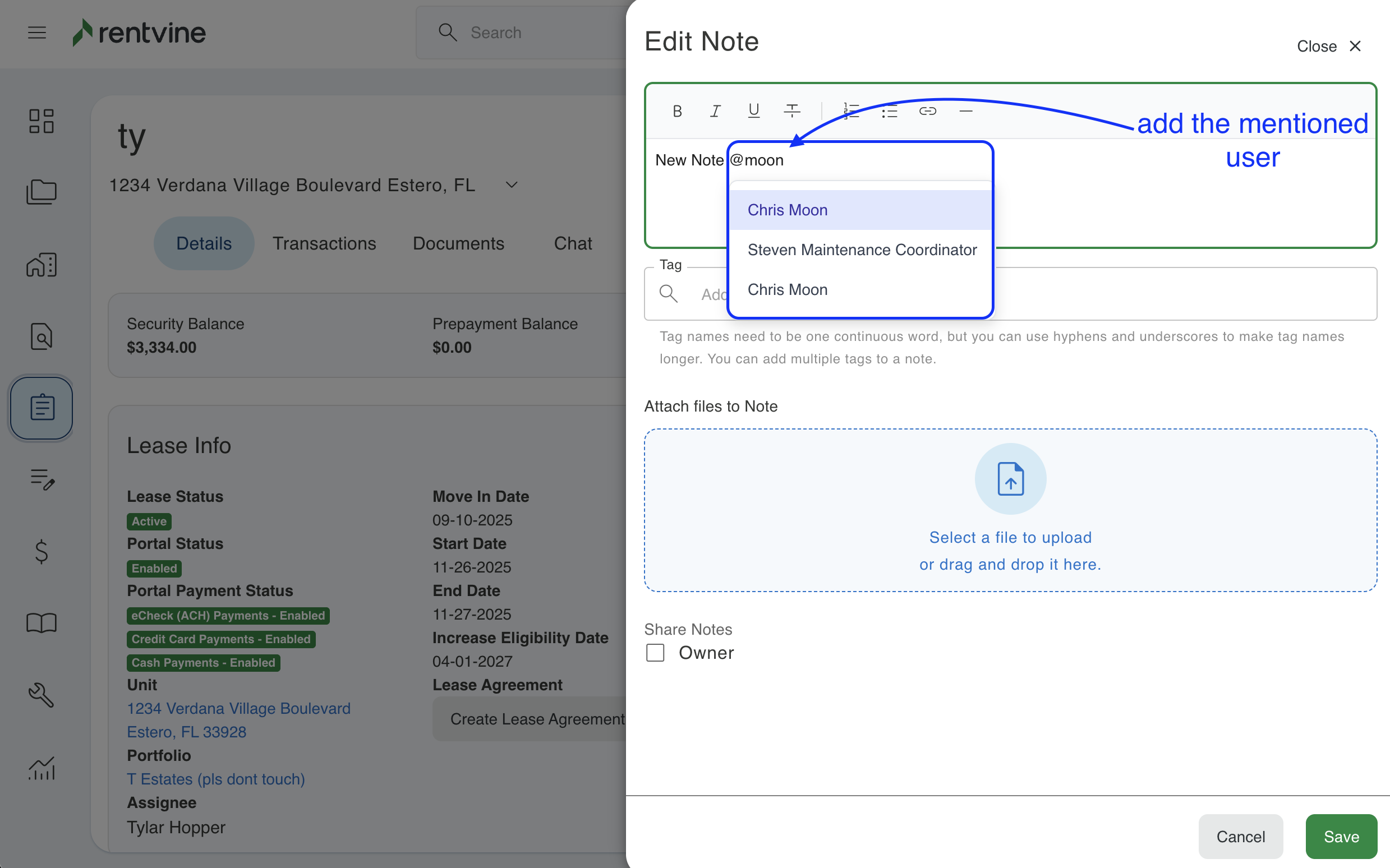
You can also do this for pre-existing notes within the system by selecting the ellipses next to the corresponding note and clicking Edit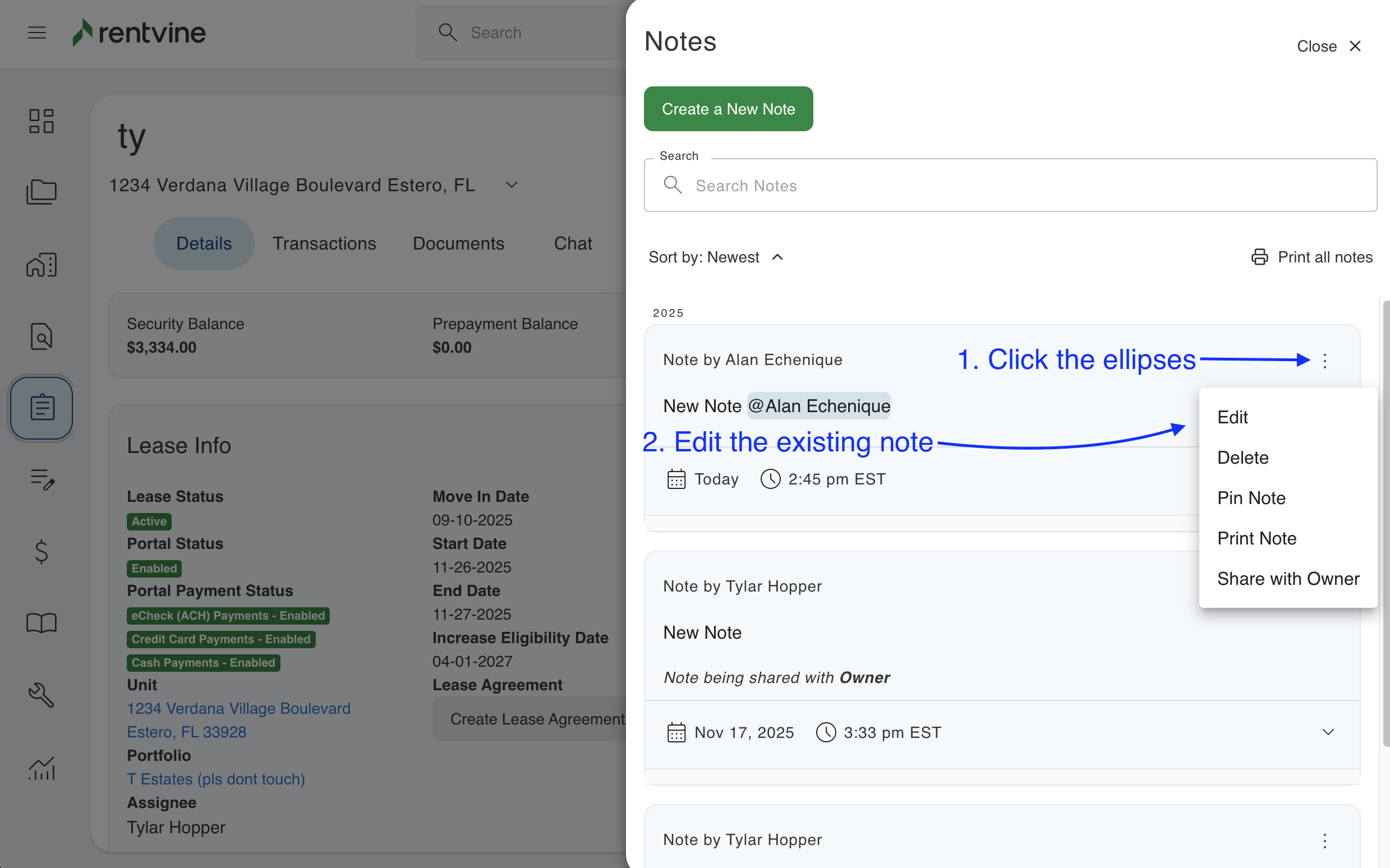
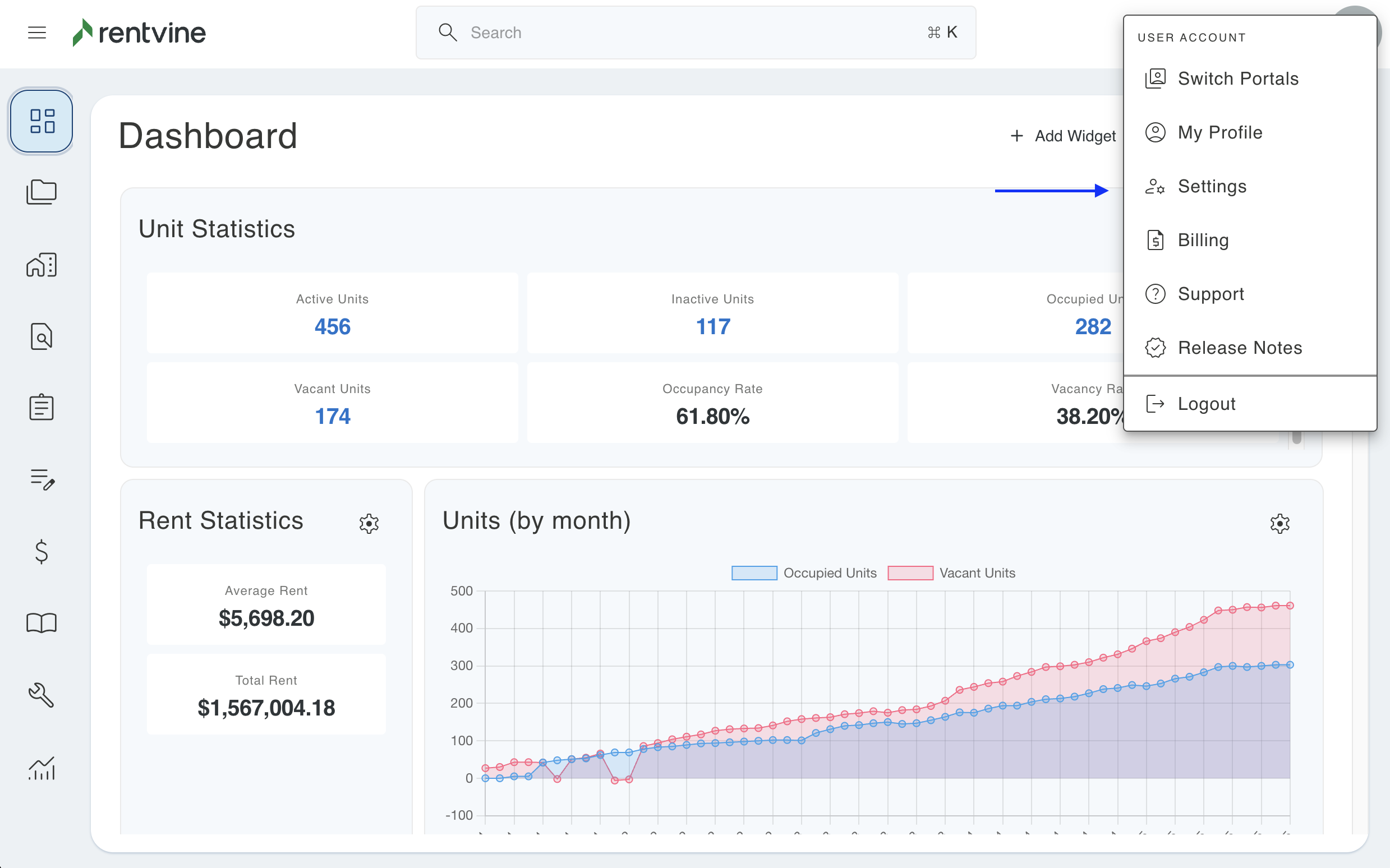
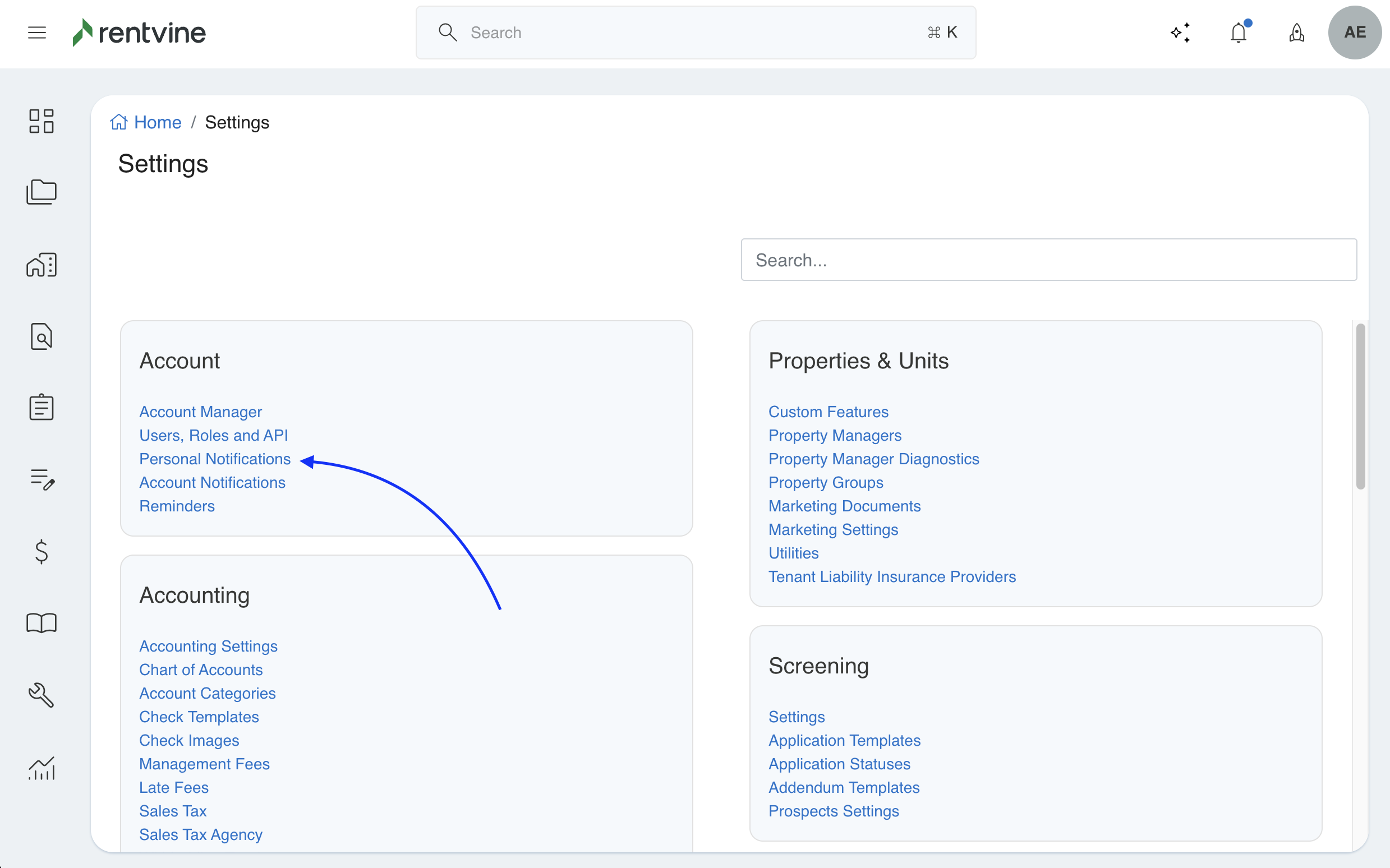
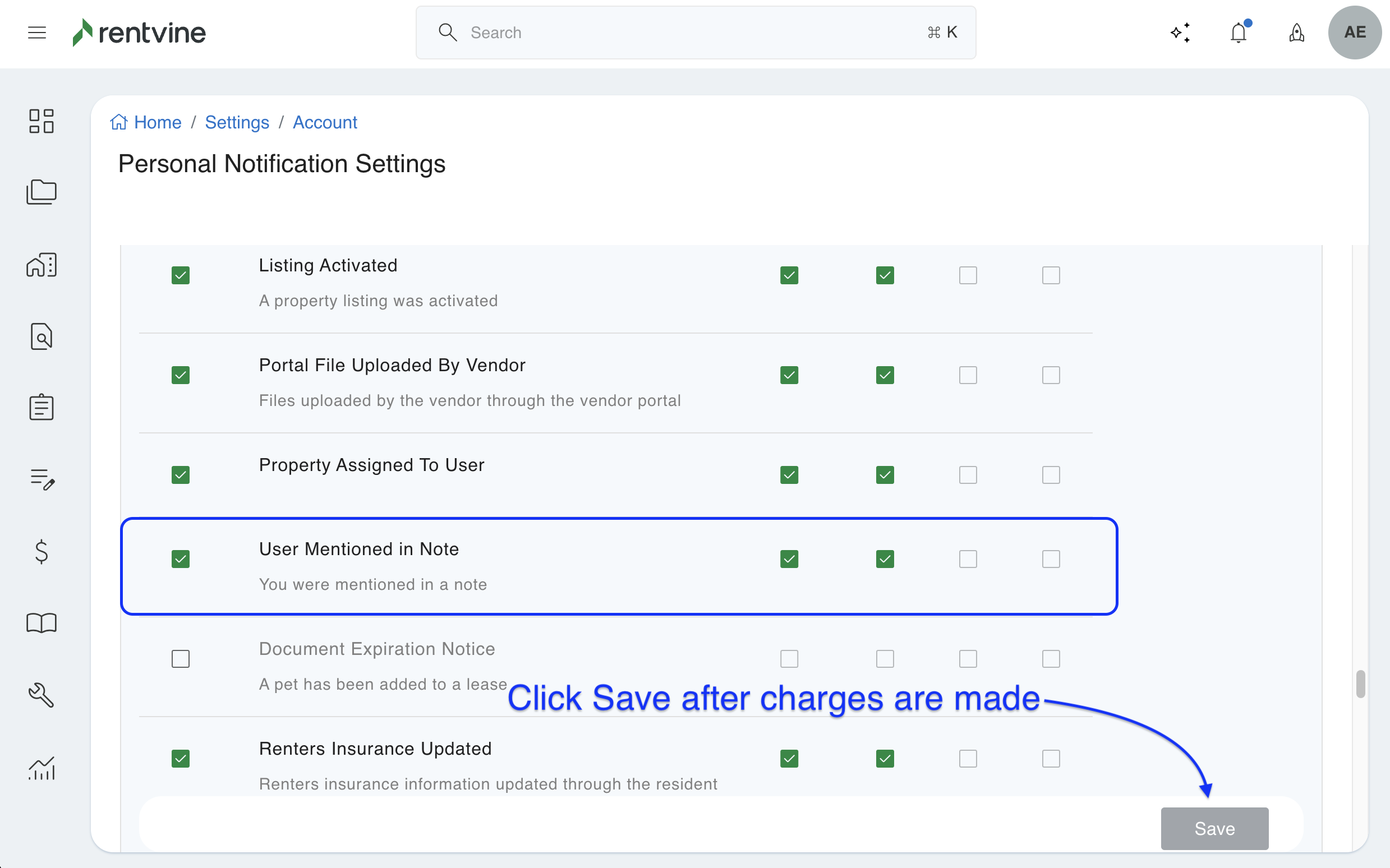
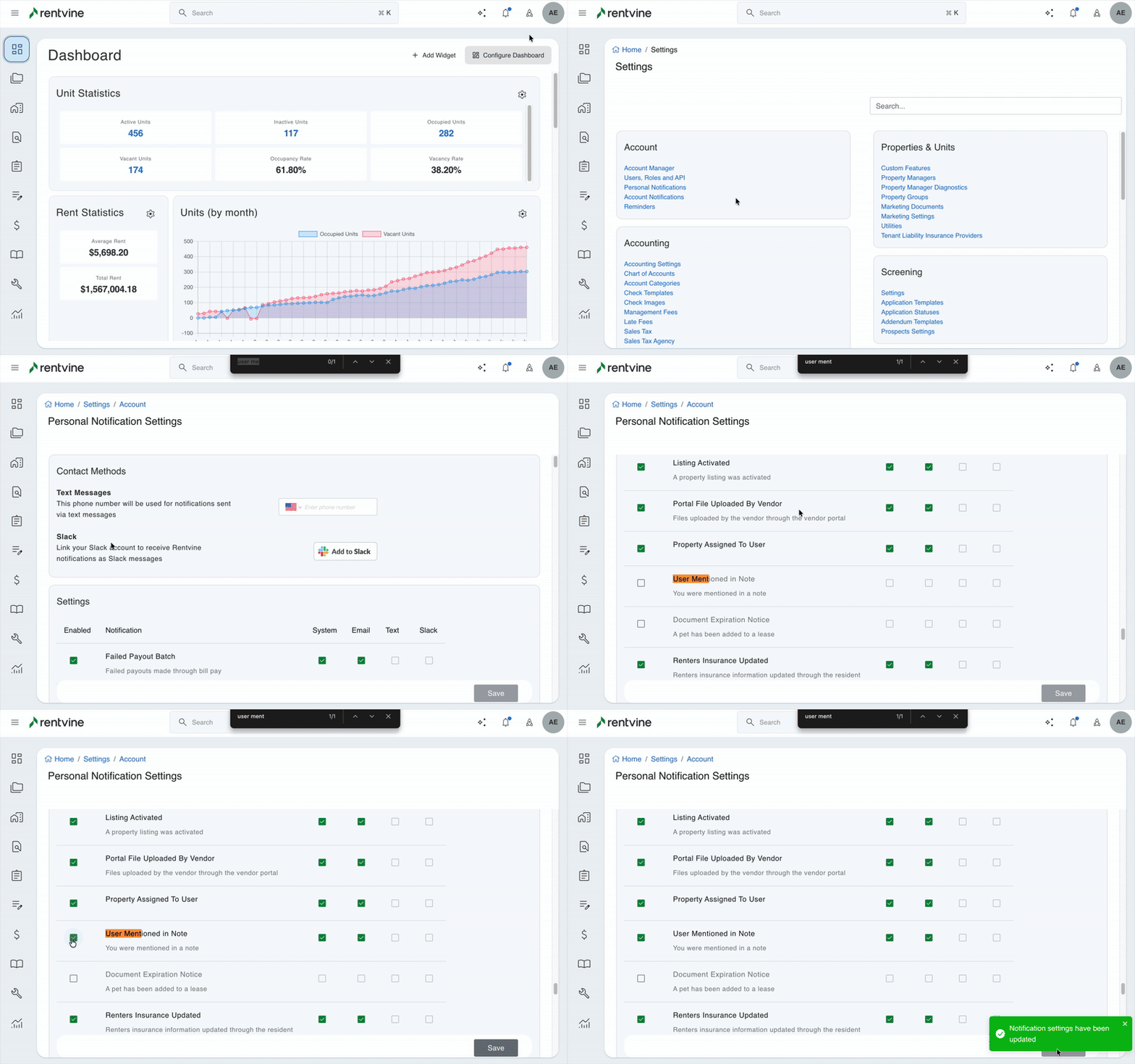
- Each User can adjust their own personal notifications for Mentions in their Personal Notifications Settings under the User Mentioned in Note option