![rentvine-logo-white-rgb-1600px.png]](https://help.rentvine.com/hs-fs/hubfs/rentvine-logo-white-rgb-1600px.png?height=40&name=rentvine-logo-white-rgb-1600px.png)
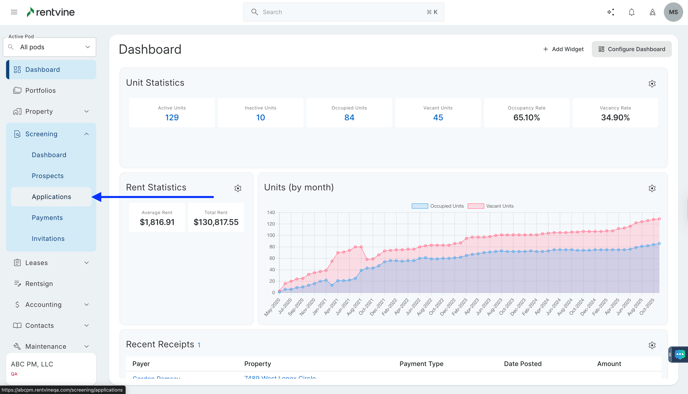
- From Dashboard
- Click Screening
- Then select Applications
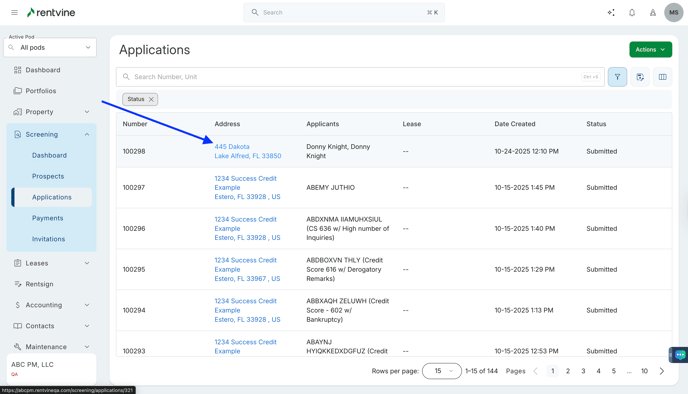
- Once on the Applications page, you will locate the application you would like to view and screen.
- Hover over and click on the Application Tab to be taken to the Application Details page
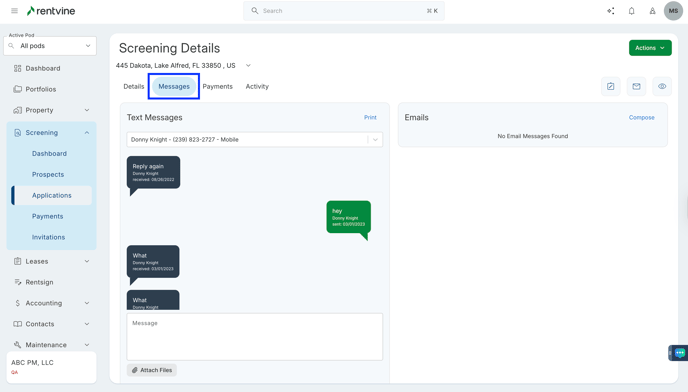
- On the Application Details page
- Hover over and Click Messages
- On the Messages tab
- Click Compose
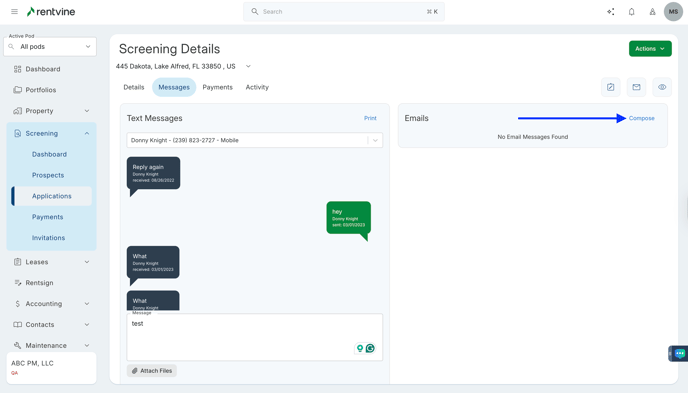
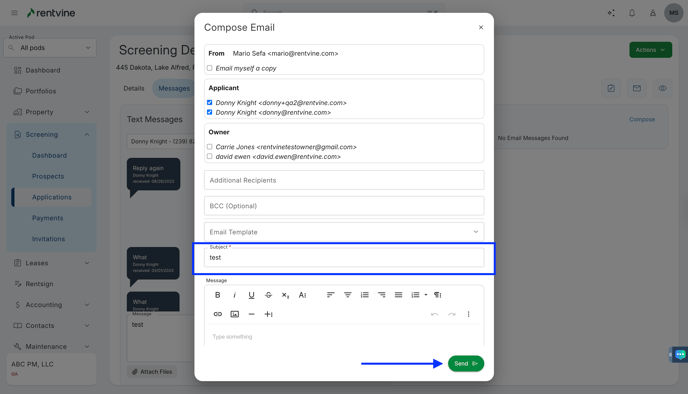
- Select the Email Template
- Visit our article on How to Create an Application Email Template?
- Fill in Additional Recipients, BCC, Subject, Message, or Attachments
- Click Send
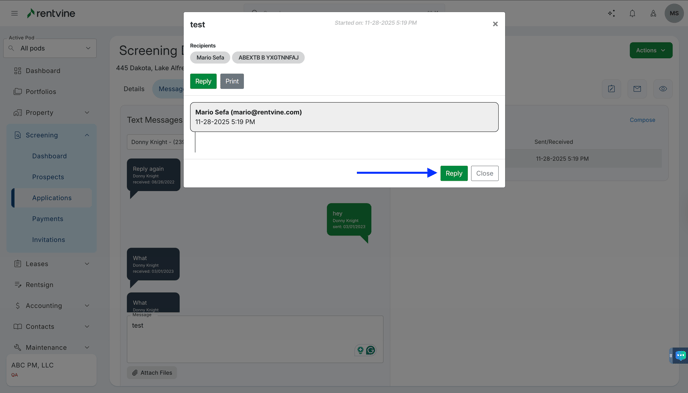
- You will then be able to view the Email under the Emails section.
- Hover over the Message tab and click
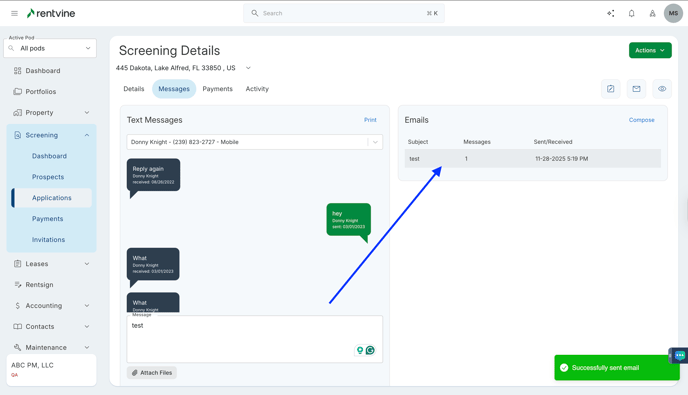
- You will then be able to view the email that was sent out by Rentvine's system. The correspondence will filter within the Email Message area as each party responds.
- Click Reply to respond to an applicant