![rentvine-logo-white-rgb-1600px.png]](https://help.rentvine.com/hs-fs/hubfs/rentvine-logo-white-rgb-1600px.png?height=40&name=rentvine-logo-white-rgb-1600px.png)
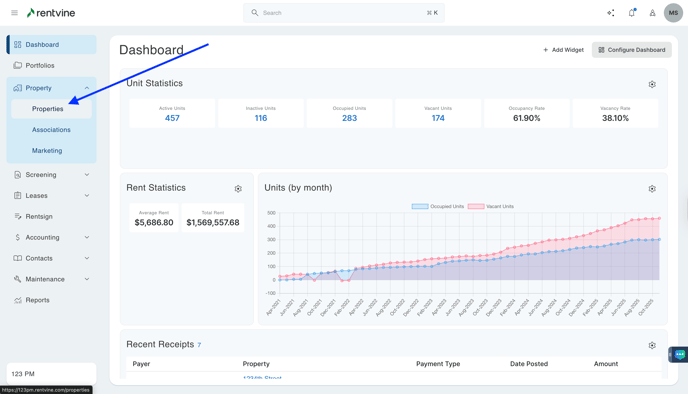
- From Dashboard
- Click Property
- Then select Properties
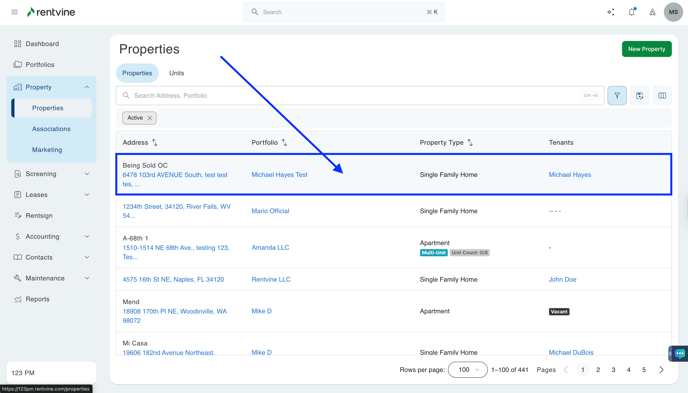
- Once on the Properties page, you will locate the property address you would like to apply your application template to.
- Hover over the property tab and click
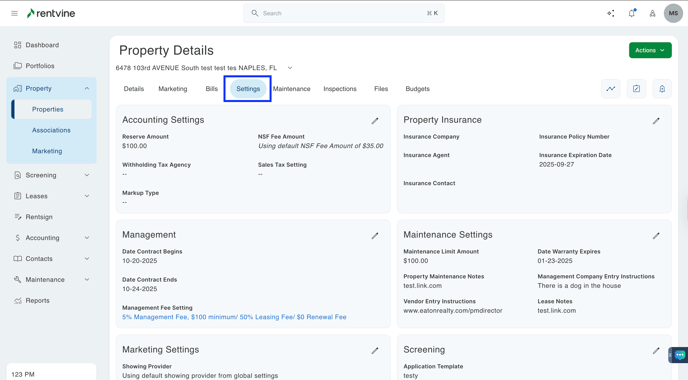
- On the Properties Details screen
- Click Settings
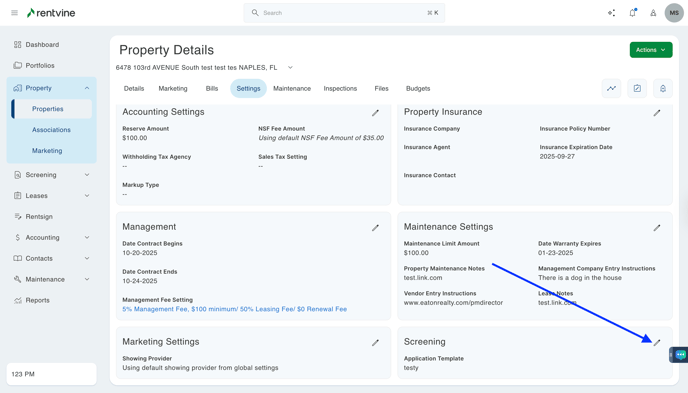
- On the Properties Settings tab
- Locate the Screening section
- Click Edit
- Select an Application Template from the drop-down
- Click Save
