![rentvine-logo-white-rgb-1600px.png]](https://help.rentvine.com/hs-fs/hubfs/rentvine-logo-white-rgb-1600px.png?height=40&name=rentvine-logo-white-rgb-1600px.png)
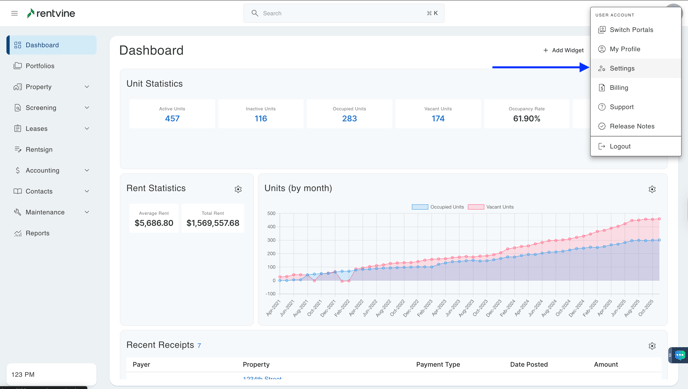
- Go to the settings page (click on the ellipsis next to your name in the lower left corner of the page and select Settings)
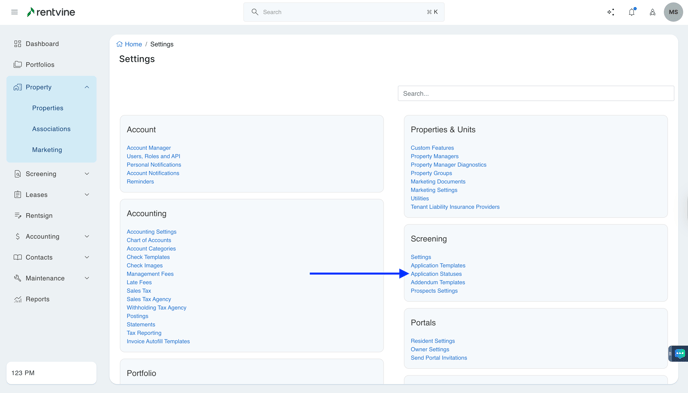
- Once you are within the Settings of your Rentvine account, you will locate the Screening section.
- Click Application Statuses
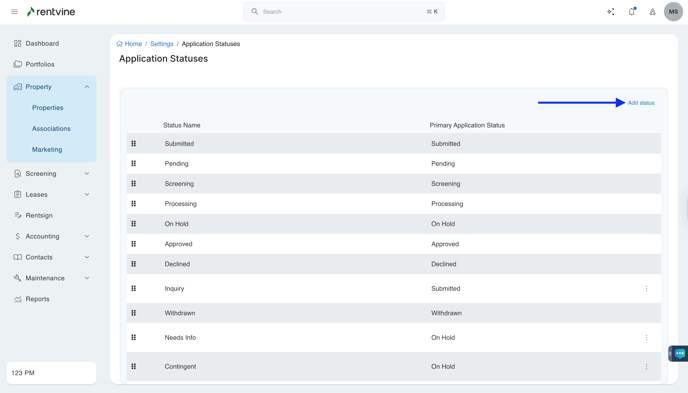
- Click Add Status
- You can click the Vertical Ellipsis icon to drag to reorder the Application Statuses
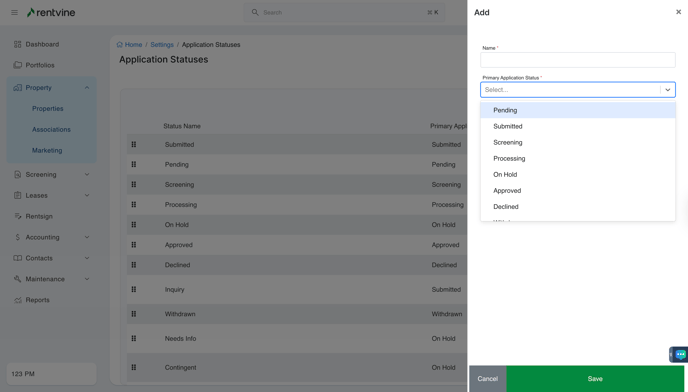
- Name the Application Status
- You will then select from the dropdown where the status fits in the workflow of the current statuses
- (Pending, Submitted, Screening, Processing, On Hold, Approved, Declined, Withdrawn)
- Click Save