![rentvine-logo-white-rgb-1600px.png]](https://help.rentvine.com/hs-fs/hubfs/rentvine-logo-white-rgb-1600px.png?height=40&name=rentvine-logo-white-rgb-1600px.png)
If you decide to activate the Income Verification Section within the application template, then anytime an applicant clicks to verify their income through this feature, the system will generate a $5.00 fee to your account for each report. This fee will show under the Settlements (Payouts) report under Income Verifications.
To clarify, the $5.00 charge will occur once applicants click on the Start Verification icon to complete the verification process. If an applicant clicks on the opt-out toggle, they must upload their pay stubs within the Document Section of the application, and there will not be a $5.00 charge to you for that applicant. Below are the steps that applicants will go through to complete the Income Verification through Plaid.
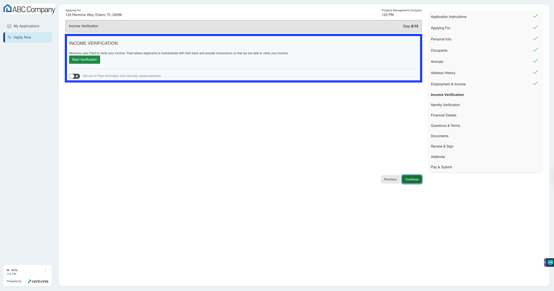
- Applicants will click Continue
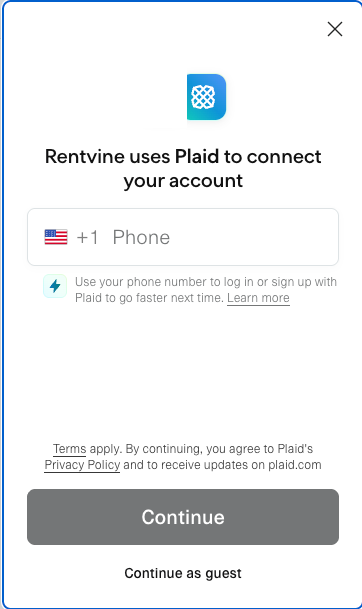
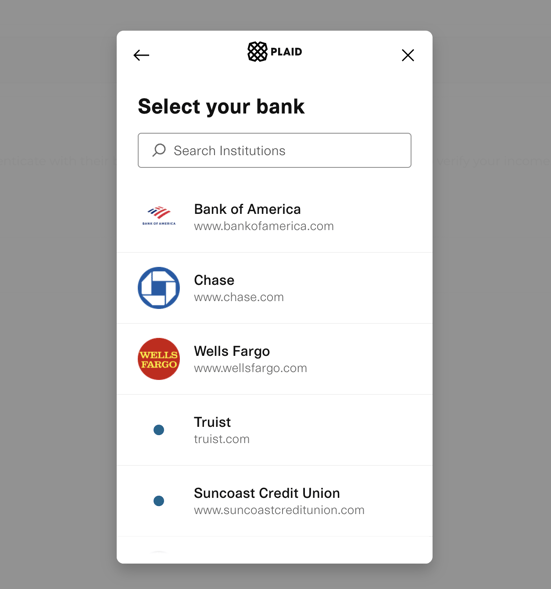
- Applicants will then search for a Bank and click on it
*The screenshot is unable to capture the entire list of banks to select from
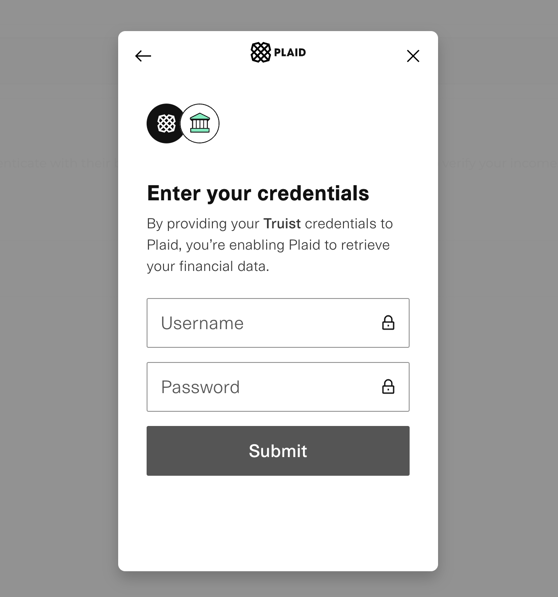
- Applicants will then sign in to their online Banking account
- Applicants will select which account(s) will help identify and verify their income
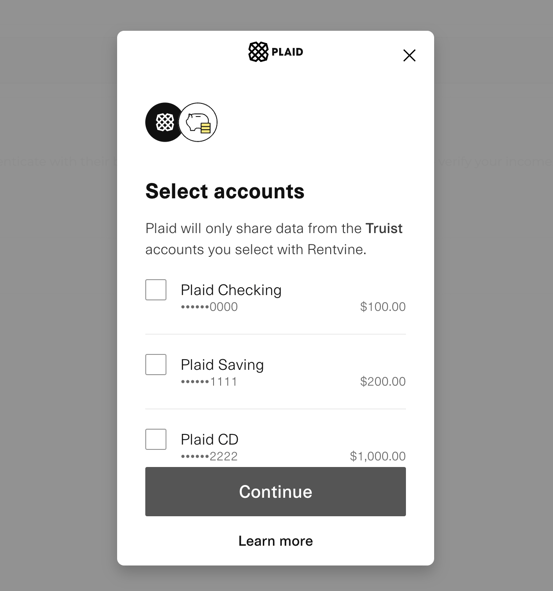
- Applicants will click on Allow to continue and generate an income report
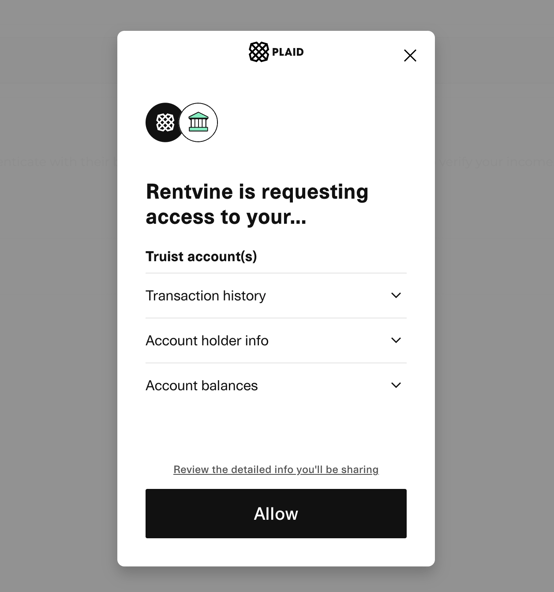
- Applicants completed the income verification and will continue to complete the application
