- Rentvine Knowledge Base
- Screening
- Applications & Screening
How to Turn Off your Application?
- From Dashboard
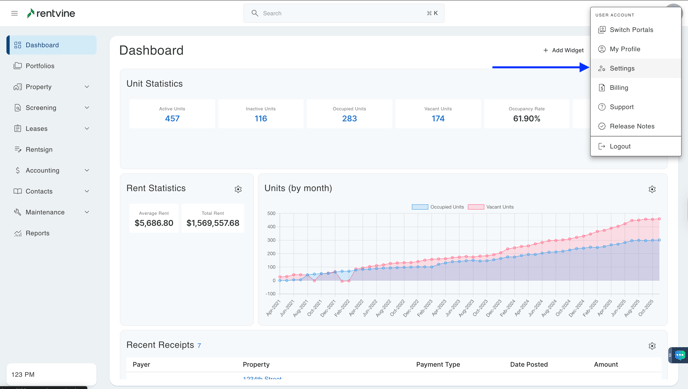
- Go to the settings page (click on the ellipsis next to your name in the lower left corner of the page and select Settings)
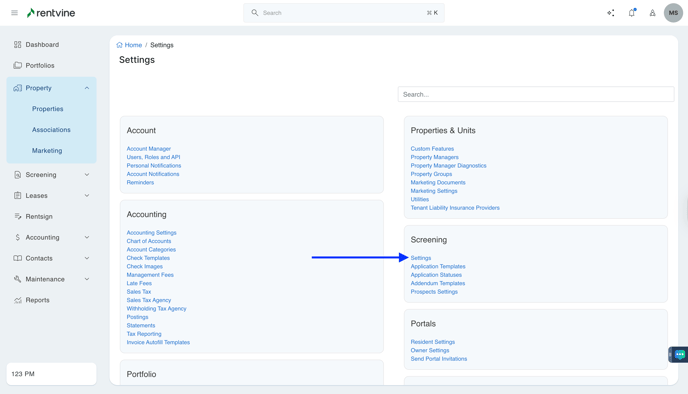
- Once you are within the Settings of your Rentvine account, you will locate the Screening section.
- Click Settings
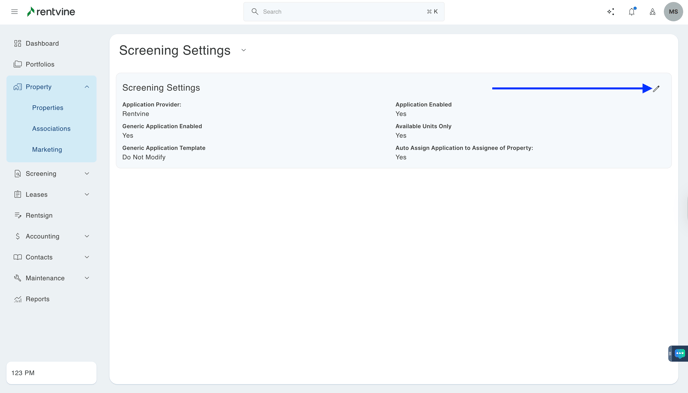
- Click the pencil icon - right-hand side of the screen
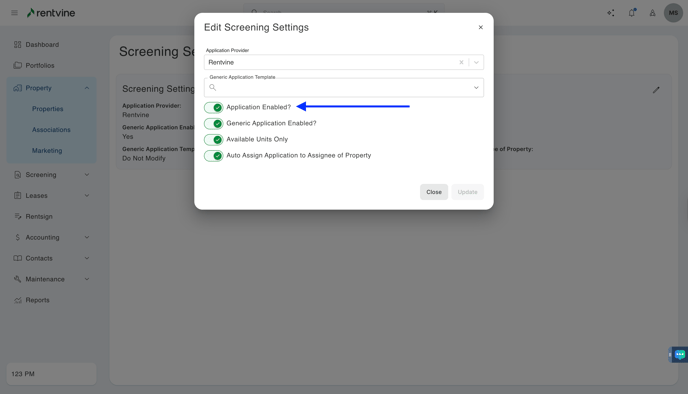
- You will then click the Toggle
- Click Save