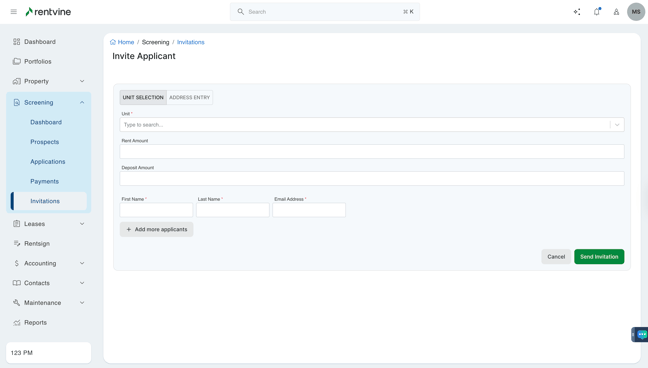
- From Dashboard
- Click Screening
- Then select Invitations
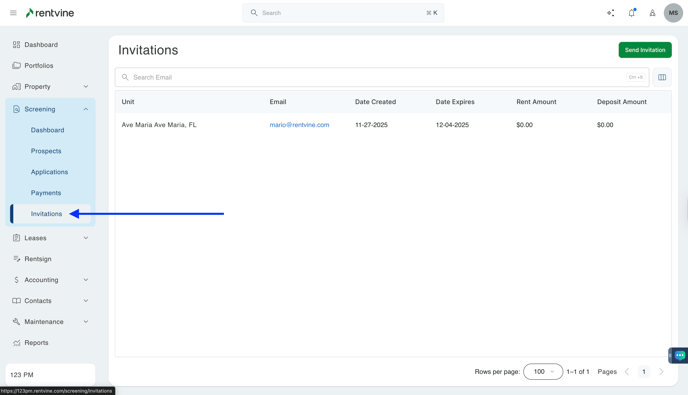
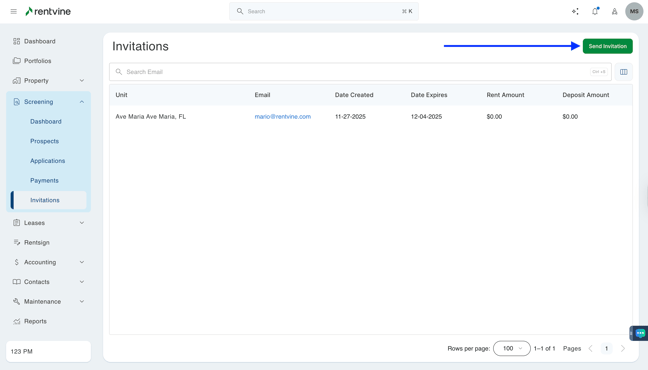
- On the Invitations screen
- Click Send Invitation
- Type in Unit or Address, Rent Amount, Deposit Amount, First Name, Last Name, and Email Address.
- Optionally, Add more applicants if you want to group several individuals to the same application when they are submitted
- Click Save