- From Dashboard
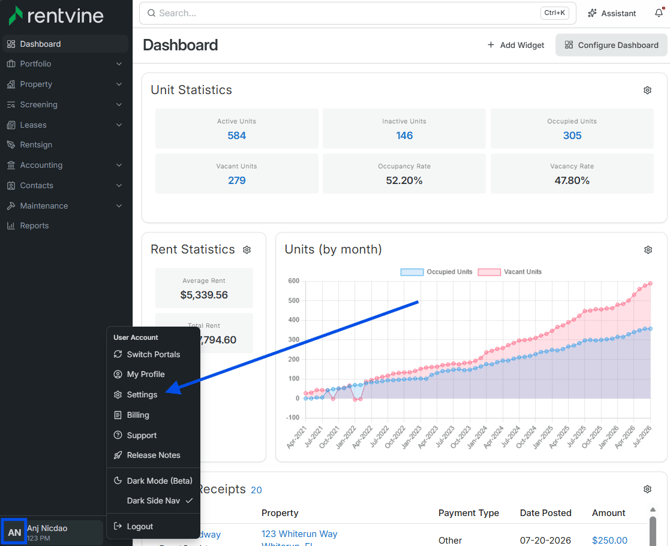
- Go to the Settings page (click on your initials at the bottom left of the page and select Settings)
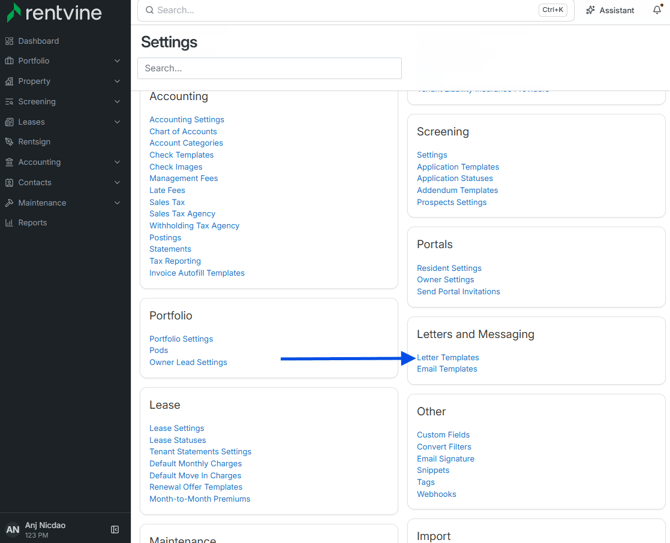
- Once you are within the Settings of your Rentvine account, you will locate the Letters and Messaging section.
- Click Letter Templates
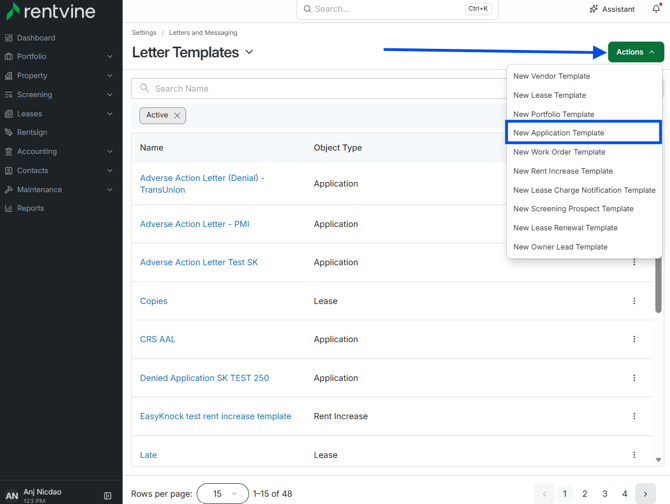
- Click Actions
- Click New Application Template
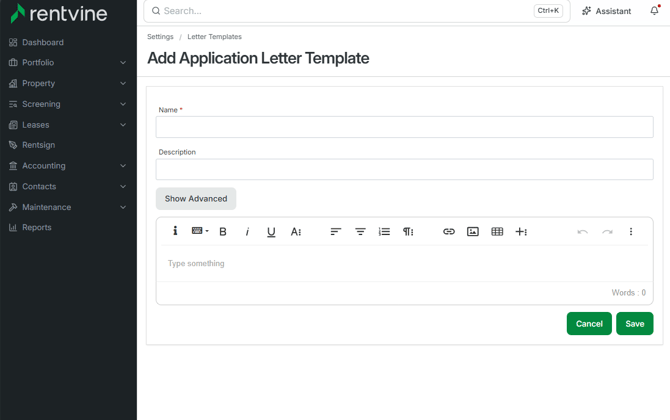
- Enter a Name
- Enter a Description of New Application Template
- Create your Letter
- Click the Save button