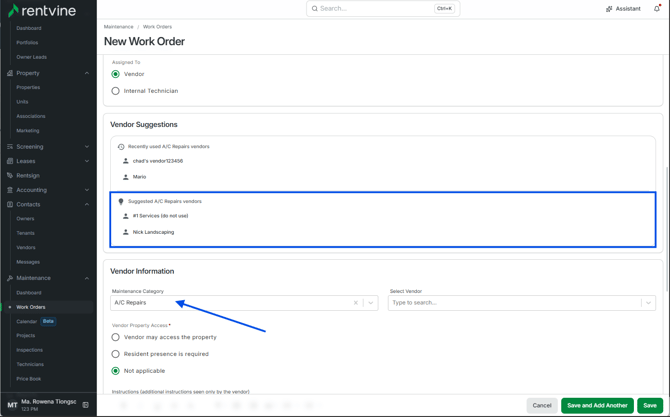
- Maintenance categories allow you to categorize a Work Order if it falls under a specific field.
This also allows the tenant to select the category, if you allow it, so they can categorize the work order during their submission.
Creating a Maintenance Category
- To create a new Maintenance Category, go to your global settings.
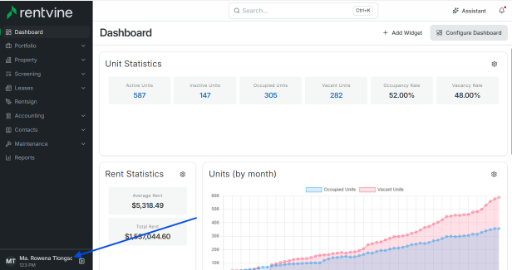
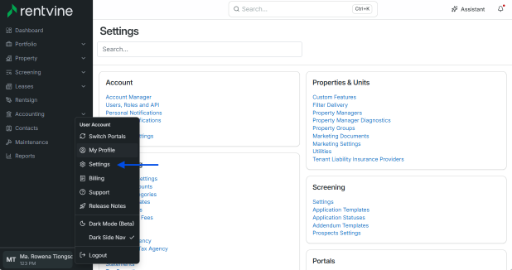
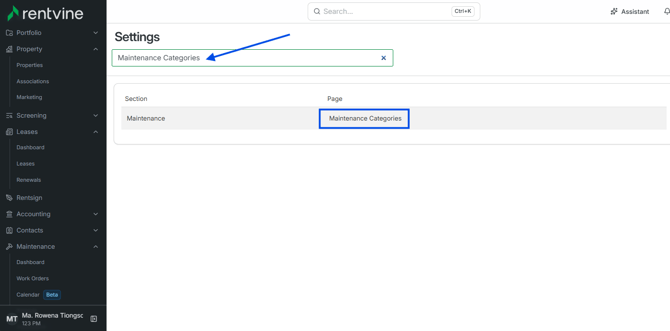
- Type in the search bar on the top left of the settings page, Maintenance Categories, and click it.
- Click New Maintenance Category, and this will give you a prompt to name the new category and toggle if this will be visible for the tenants
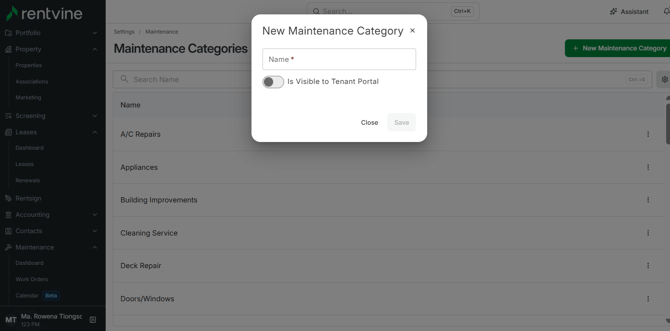
Once saved, it will populate directly in the Maintenance Categories section.
In case you were wondering, where the Is Visible To Tenant Portal works within Rentvine. When a tenant tries to submit a work order from their portal, they are given the option to enter the category of the work order they are submitting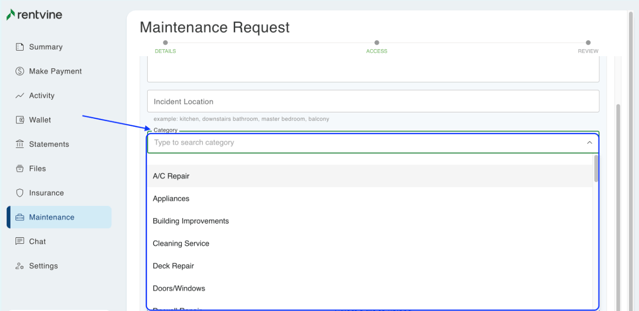
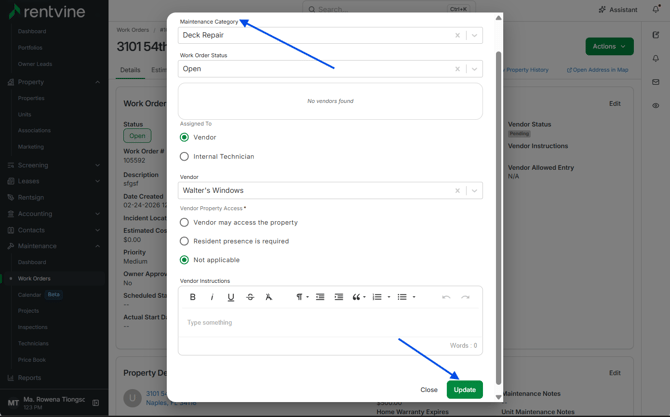
- If you need to adjust the category on an already existing work order, go to the work order in question
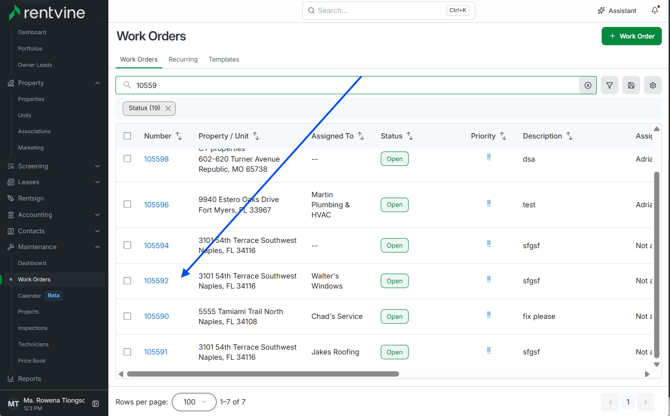
- In the Vendor Details window, select Edit
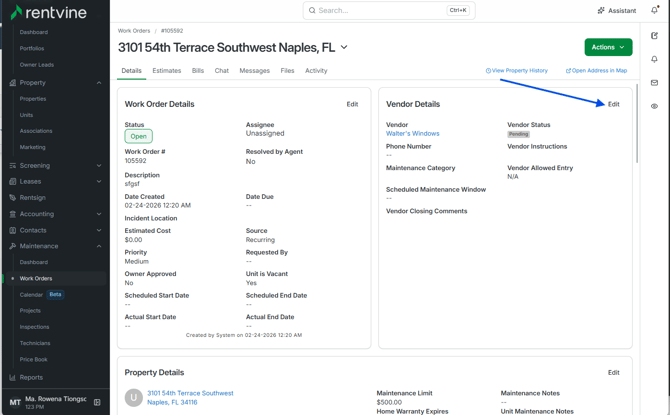
- The first dropdown box will allow you to adjust the Maintenance Category for the work order
Adding a Maintenance Category for Vendors
-
You can also add a Maintenance Category to a Vendor in case you are looking for vendors that do work in that field
- To do this, go to the Vendor contact and select the vendor
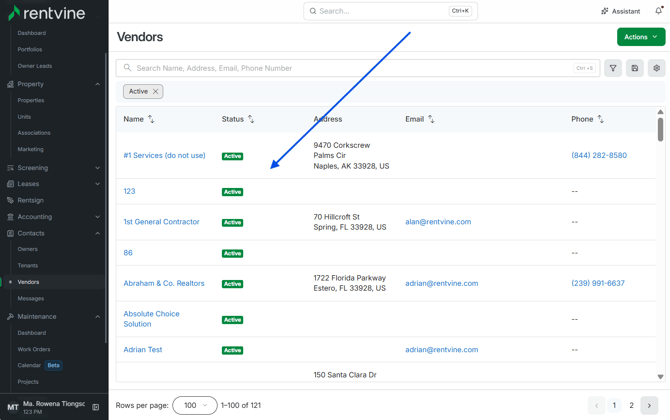
- Scroll down on the Vendor Contact and there will be a section for Maintenance Categories
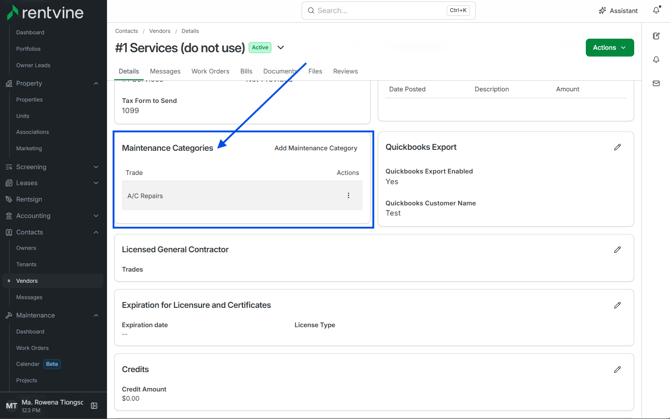
- This helps when you are creating a Work Order manually and select the category for the Work Order, because this generates a Suggested Vendor list, which is comprised of all vendors that have the maintenance category under their vendor contact