
🔐 Enterprise Pay Positive Pay Integration with Rentvine
- Enterprise Pay Positive Pay is a new Rentvine feature that automates the creation and secure delivery of Positive Pay files to Enterprise Banks. This removes the need for daily manual uploads, helping reduce fraud risks and administrative overhead.
💡 Why This Matters
-
⏱️ Saves Time: Eliminates a repetitive, manual upload task.
-
🛡️ Reduces Risk: Lowers the chances of missing a check file upload or human error.
-
👀 Improves Visibility: Track upload success/failure right within Rentvine.
✅ This first release supports Enterprise Banks specifically. At this time other bank accounts will not work with this automation
How It Works
-
Rentvine generates Positive Pay files when checks are issued.
-
These files are automatically transmitted to Enterprise Bank via FTPS.
-
File upload status (success or failure) and timestamps are displayed in the Banking section of Rentvine.
-
Users are notified automatically based on the result.
-
Admins can manage access and credentials via the Rentvine Admin Portal.
Where can this be found
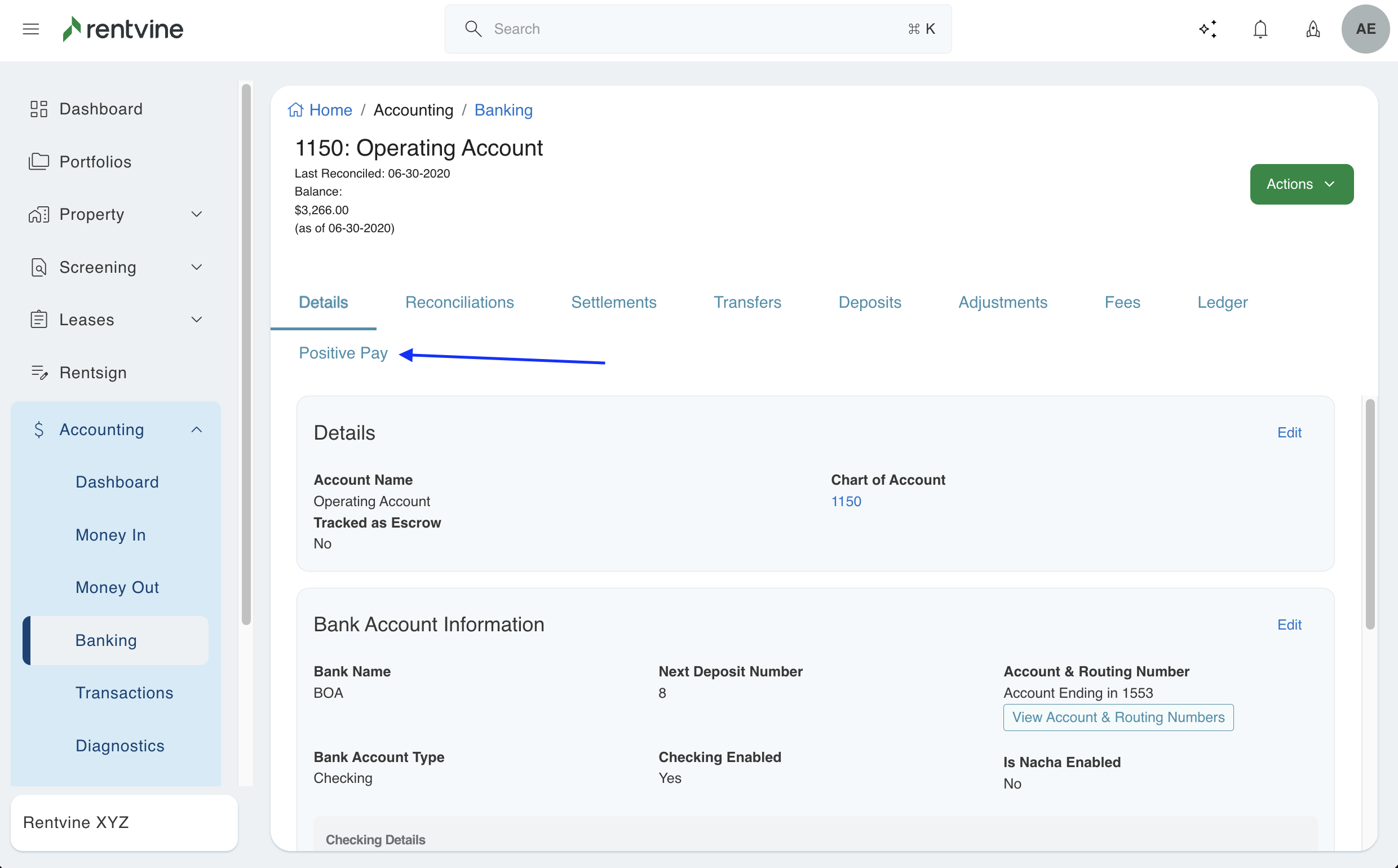
- If positive pay is enabled for your bank account, it will have its own tab under the bank
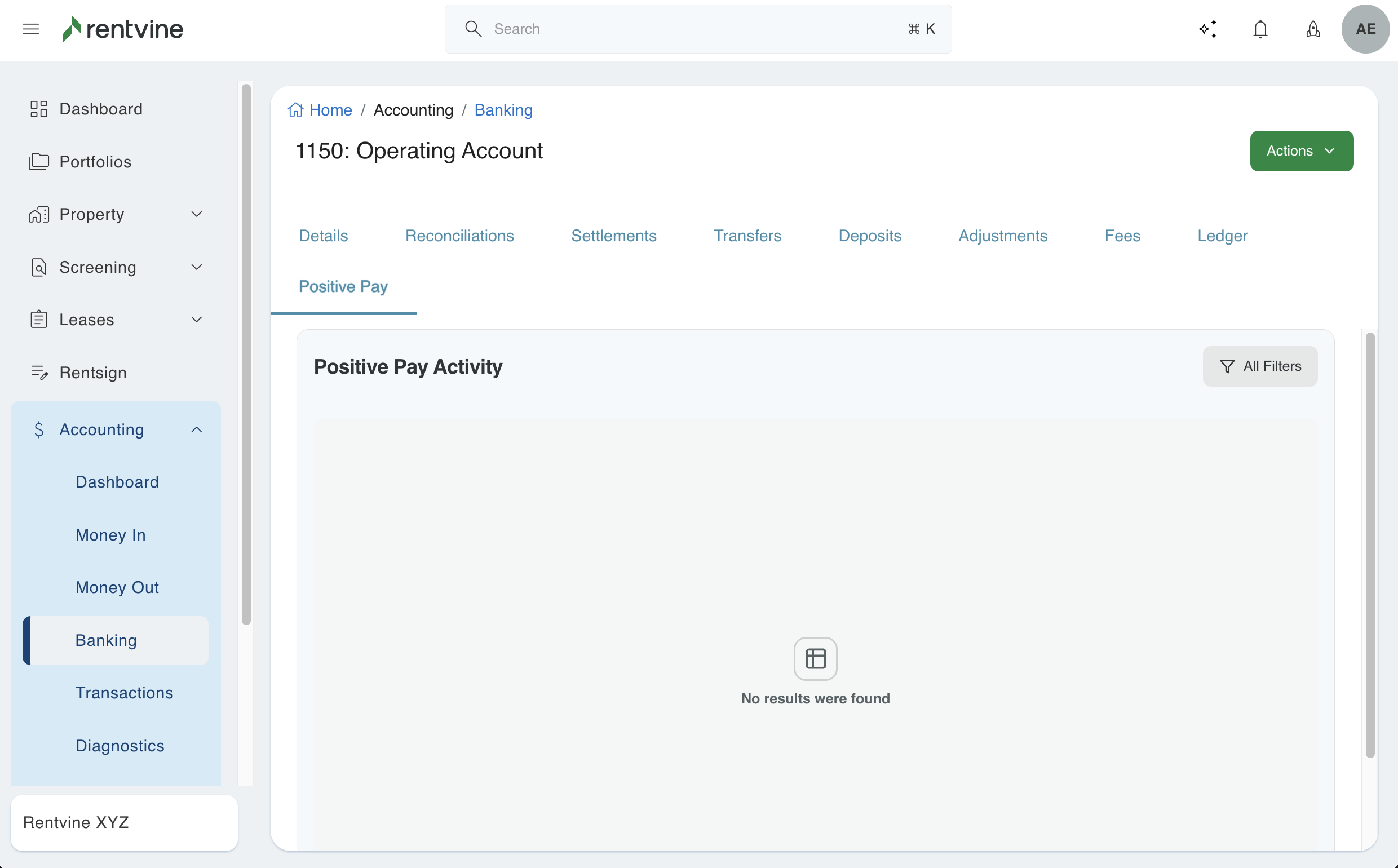
- Once completed and the automation takes place, you will see logs and which payments are comprised of the Positive Pay Activity within the tab
Support & CSM Talking Points
|
💬 Client Scenario |
🧠 Key Talking Point |
|---|---|
|
What is Positive Pay? |
“Positive Pay is a fraud prevention feature your bank offers. Rentvine now automates this process so your check data is sent securely and automatically—no manual uploads required.” |
|
Client uses Enterprise Bank |
“You can enable automated Positive Pay transfers in Rentvine to securely deliver files without extra effort.” |
|
Client uses another bank |
“This release supports Enterprise Bank only, but we’re actively working on expanding to other banks soon.” |
|
Is the setup complicated? |
“Not at all. Setup is straightforward through the Admin Portal and runs automatically once configured.” |
|
What if uploads fail? |
“Check the Banking section for detailed logs. Failures are often credential-related. Submit a ticket and we’ll help verify or reauthorize your connection.” |